Autodesk Revit 2025 යනු architecture, structure සහ MEP සඳහා භාවිතා වන ප්රමුඛතම BIM මෘදුකාංගයයි. මෙම මාර්ගෝපදේශයෙන් requirements, download, installation, activation සහ සාමාන්ය ගැටලු විසඳුම් සියල්ල සිංහලෙන් ආවරණය වේ.
System requirements
- OS: Windows 10 හෝ 11 (64-bit)
- CPU: Intel Core i7 / AMD Ryzen 7, 2.5 GHz+
- RAM: අවම 16 GB — සැබෑ projects සඳහා 32 GB නිර්දේශිතයි
- GPU: DirectX 11, VRAM 4 GB+
- Disk: 30 GB free — SSD එකක් ඉතා වැදගත්
පියවර 1 — Download (කොටස් දෙකක්!)
- manage.autodesk.com වෙත ඔබේ subscription ඇති Autodesk account එකෙන් sign in වන්න.
- All Products and Services → Revit → Downloads → 2025 / Windows 64-bit තෝරන්න.
- Revit 2025 installer එක files දෙකකින් ලැබේ (part 1 = .exe, part 2 = archive). දෙකම download කරන්න.
- Files දෙකම එකම folder එකේ තබන්න — names වෙනස් කරන්න එපා. Archive එක manually extract කරන්නද එපා.
පියවර 2 — Install
- Part-1 .exe එක right-click කර Run as administrator තෝරන්න.
- Extraction එකට මිනිත්තු කීපයක් යයි — frozen වගේ පෙනුනත් ඉවසන්න.
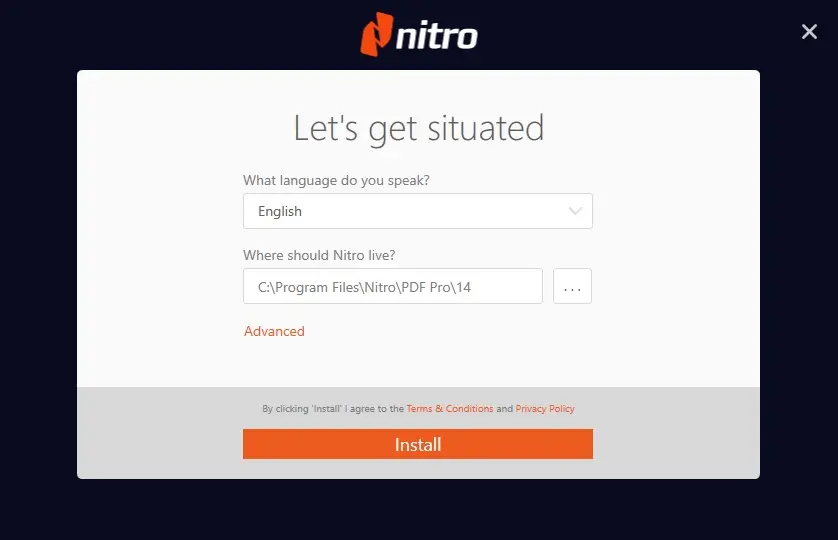
- Licence terms accept කර, default path එක (
C:\Program Files\Autodesk\Revit 2025\) තබාගෙන Install click කරන්න. - අවසානයේ content library phase එක වඩාත්ම මන්දගාමීයි — SSD එකක වුවත් මුළු ක්රියාවලියට මිනිත්තු 20–30ක් ගත වේ.
- අවසන් වූ පසු Windows restart කරන්න.
පියවර 3 — Activate
- Subscription: Revit open කර Autodesk ID එකෙන් sign in වන්න — licence එක auto validate වේ.
- Serial number: serial number + product key එකක් ඇත්නම් licence screen එකේ Enter a serial number තෝරන්න.
- Trial: දින 30ක free trial එකක් ලෙසද පටන් ගත හැක — පසුව reinstall නොකර full licence එකට මාරු විය හැක.
ගැටලු විසඳුම්
Extraction fail වේ
බොහෝ විට part-2 file එක නැති හෝ rename වී ඇති නිසාය. Files දෙකම original names සමඟ එකම folder එකේ ඇති බව තහවුරු කර නැවත run කරන්න.
Installer frozen වගේ
Content library phase එකේදී මිනිත්තු 10–20ක් එකම percentage එකේ තිබිය හැක. Task Manager එකේ disk/CPU activity ඇත්නම් වැඩ කරමින් පවතී — close කරන්න එපා.
මුල්ම launch එකේ crash
NVIDIA/AMD/Intel වෙතින්ම (Windows Update නොවේ) GPU driver එක update කර නැවත උත්සාහ කරන්න.
Permission errors
Administrator ලෙස run කරන්න; antivirus එක තාවකාලිකව disable කරන්න.
Licence එකක් හෝ සහාය අවශ්යද?
TechHub වෙතින් genuine Autodesk subscriptions instant delivery සමඟ — Revit licences මෙතැනින්. ඕනෑම පියවරකදී හිර වුණොත් WhatsApp එකෙන් අප අමතන්න.