Overview
AHCI and RAID are two SATA controller modes with different goals — AHCI for straightforward single-drive performance, RAID for combining drives for speed or redundancy. This guide explains each and how to choose.
AHCI vs RAID.
Key Takeaways
- AHCI enables modern SATA features for single drives.
- RAID combines multiple drives for speed or redundancy.
- For a single SSD/HDD, AHCI is usually best.
- Switching modes after install needs care to avoid boot failure.
What Is AHCI?
Advanced Host Controller Interface is the standard SATA mode that enables features like NCQ (Native Command Queuing) and hot-swapping. It’s ideal for single-drive systems and most consumer PCs.
What Is RAID?
Redundant Array of Independent Disks combines multiple drives. Common levels: RAID 0 (striping for speed, no redundancy), RAID 1 (mirroring for redundancy), RAID 5/10 (mix of both). RAID mode is set at the controller level.
Which Is Better for Performance?
- Single drive: AHCI — simpler and no overhead.
- Speed from multiple drives: RAID 0 (but no fault tolerance).
- Data protection: RAID 1/5/10 (redundancy).
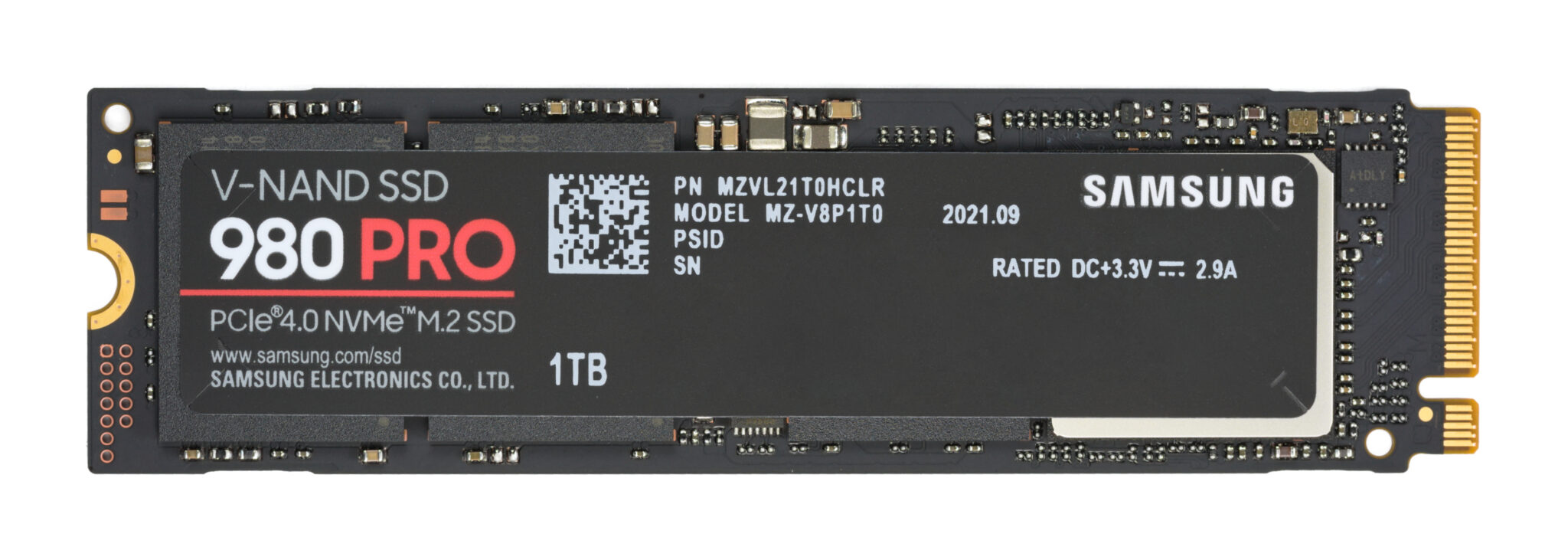
- NVMe SSDs often bypass this and use their own controller.
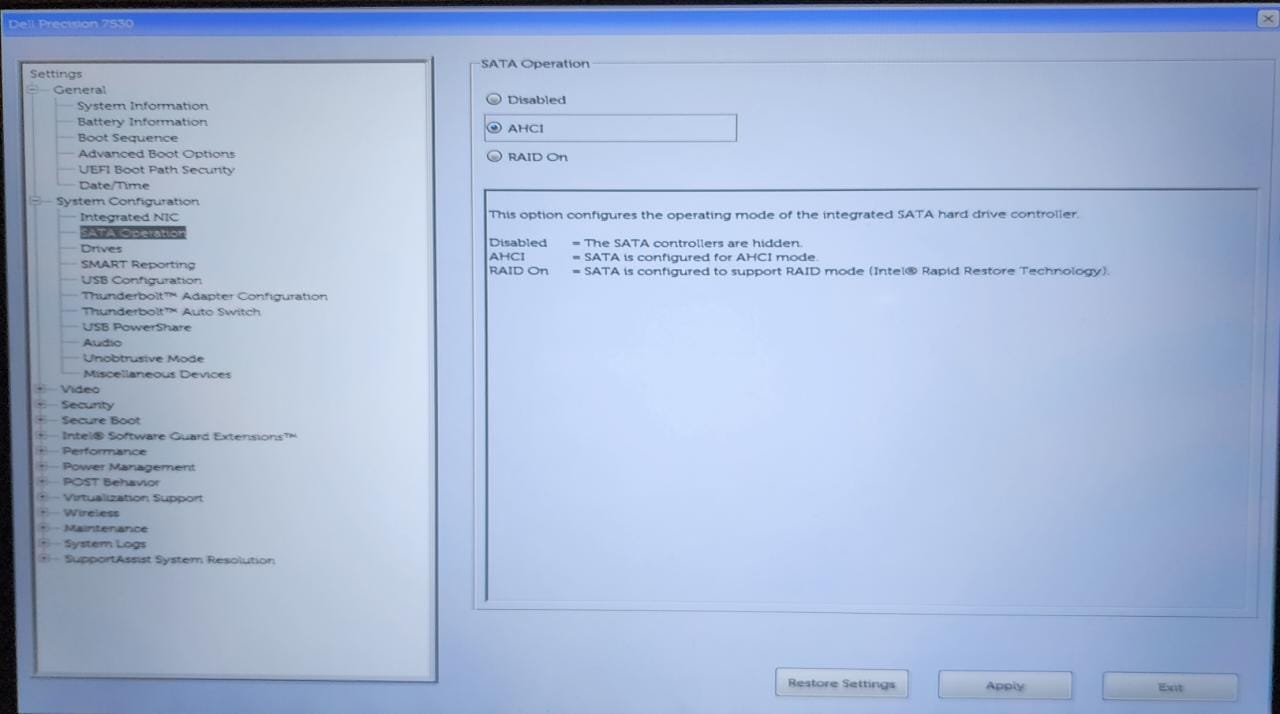
Selecting RAID or AHCI in the BIOS.
Switching Between AHCI and RAID
Warning: Changing the SATA mode after Windows is installed can cause an unbootable system. Prepare Windows for the switch (safe boot / driver) before changing it in BIOS, or you risk a boot failure.
1. To switch without reinstalling, enable Safe Boot (msconfig) or set the appropriate driver to start, then change the mode in BIOS/UEFI.
2. Reboot into Safe Mode so Windows loads the new controller driver, then disable Safe Boot.
3. Alternatively, set the mode before installing Windows.
Troubleshooting
Problem: Boot failure after switching modes.
Solution: Revert the BIOS setting, or boot Safe Mode so Windows loads the correct storage driver, then switch.
Problem: RAID array not detected.
Solution: Enable RAID mode in BIOS and load the RAID/IRST driver during Windows setup.
Problem: Which for a gaming PC with one SSD?
Solution: AHCI — RAID adds complexity with no benefit for a single drive.
Problem: Poor RAID performance.
Solution: Match drive types/sizes, use the correct RAID level, and keep the controller driver updated.
Conclusion
Choose AHCI for a simple, single-drive setup and RAID when you need combined speed or redundancy from multiple drives. Whatever you pick, set the SATA mode carefully — ideally before installing Windows — to avoid boot problems.
</w:pBdr><w:spacing w:before="220" w:after="40"/></w:pPr><w:r><w:rPr><w:b/><w:bCs/><w:color w:val="0B5394"/><w:sz w:val="21"/><w:szCs w:val="21"/><w:rFonts w:ascii="Calibri" w:cs="Calibri" w:eastAsia="Calibri" w:hAnsi="Calibri"/></w:rPr><w:t xml:space="preserve">About TechHub
This guide is part of the TechHub Knowledge Base. For more step-by-step IT guides and support, visit techhub.com.lk.