Overview
You do not need an Outlook address to have a Microsoft account. Microsoft lets you register using an existing email such as a Gmail address, which is convenient if you prefer to keep one inbox. This guide walks through the official sign-up.
Key Takeaways
- A Microsoft account can use any existing email, including Gmail.
- You verify ownership of the email during sign-up.
- The account unlocks Windows sign-in, Store, and Microsoft 365 services.
- No new mailbox is created when you use your own address.
Create the Account
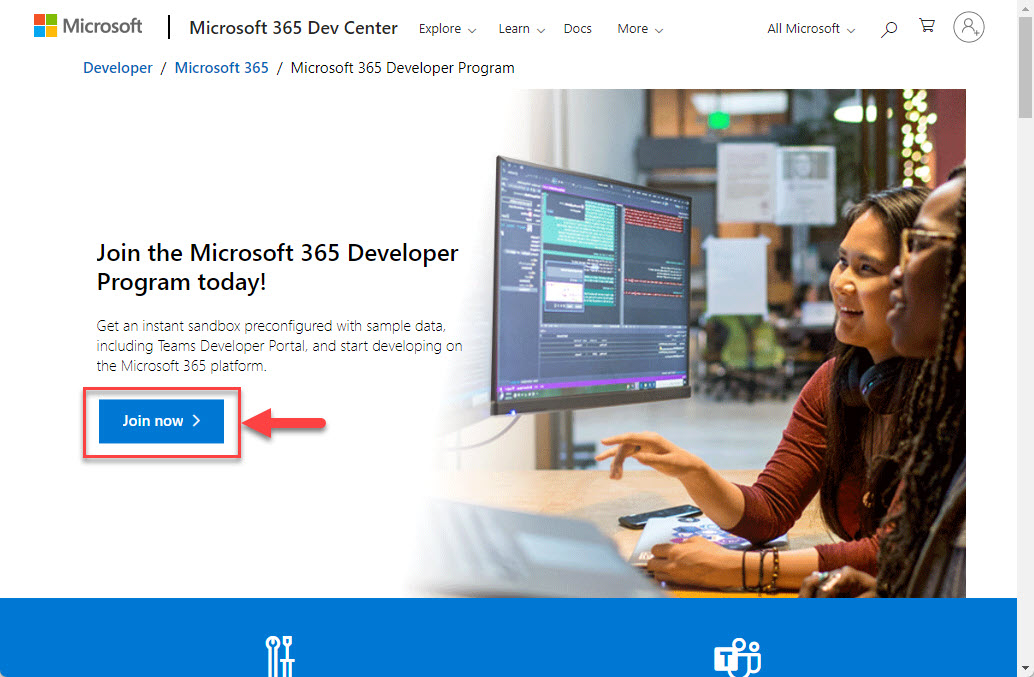
1. Go to the official Microsoft account sign-up page.
2. Choose the option to use your existing email address.
3. Enter your Gmail address and create a strong password.
4. Enter the verification code Microsoft emails to your Gmail inbox.
Secure the Account
1. Complete any identity verification prompts.
2. Turn on two-step verification for stronger security.
3. Add a recovery phone or alternate email.
4. Sign in to confirm the account works.
Note: Because account creation and passwords are involved, complete the sign-up yourself on Microsoft’s official site rather than through any third party.
Troubleshooting
Problem: The verification code does not arrive.
Solution: Check your Gmail spam folder and request a new code; confirm you typed the address correctly.
Problem: Microsoft says the email is already in use.
Solution: That Gmail may already be linked to a Microsoft account; use the sign-in or password reset option instead.
Problem: Sign-up rejects your password.
Solution: Use a longer password mixing letters, numbers, and symbols to meet the requirements.
Problem: You cannot complete verification.
Solution: Ensure you can access the Gmail inbox and any phone number you provide for confirmation.
Conclusion
Using your Gmail address for a Microsoft account keeps everything in one inbox while unlocking Microsoft’s services. Register on Microsoft’s official site and secure it with two-step verification.
About TechHub
This guide is part of the TechHub Knowledge Base. For more step-by-step IT guides and support, visit techhub.com.lk.