Overview
Windows OEM licenses come in several forms — SLP, NSLP, COA, and DM. They differ in how they’re activated and tied to hardware. This reference explains each type and how to check which your PC uses.
Types of Windows OEM product keys.
Key Takeaways
- OEM keys are tied to the PC/manufacturer, not transferable like retail.
- SLP activates automatically against the OEM’s BIOS marker.
- COA is the sticker/certificate key that must be entered.
- DM (Digital Marker) / firmware-embedded keys activate automatically on modern PCs.
OEM: SLP (System-Locked Pre-installation)
SLP keys activate automatically when the OEM’s BIOS/firmware contains a matching marker (SLIC) and OEM certificate. Common on older pre-installed systems; no manual key entry needed.
OEM: NSLP (Non-SLP)
NSLP keys are OEM keys that don’t use the automatic SLP mechanism and require online/phone activation, similar to entering a key manually.
OEM: COA (Certificate of Authenticity)
The COA is the genuine label/certificate (often a sticker) carrying a product key. If SLP activation isn’t available, this key can be entered to activate. Keep it safe as proof of a genuine license.
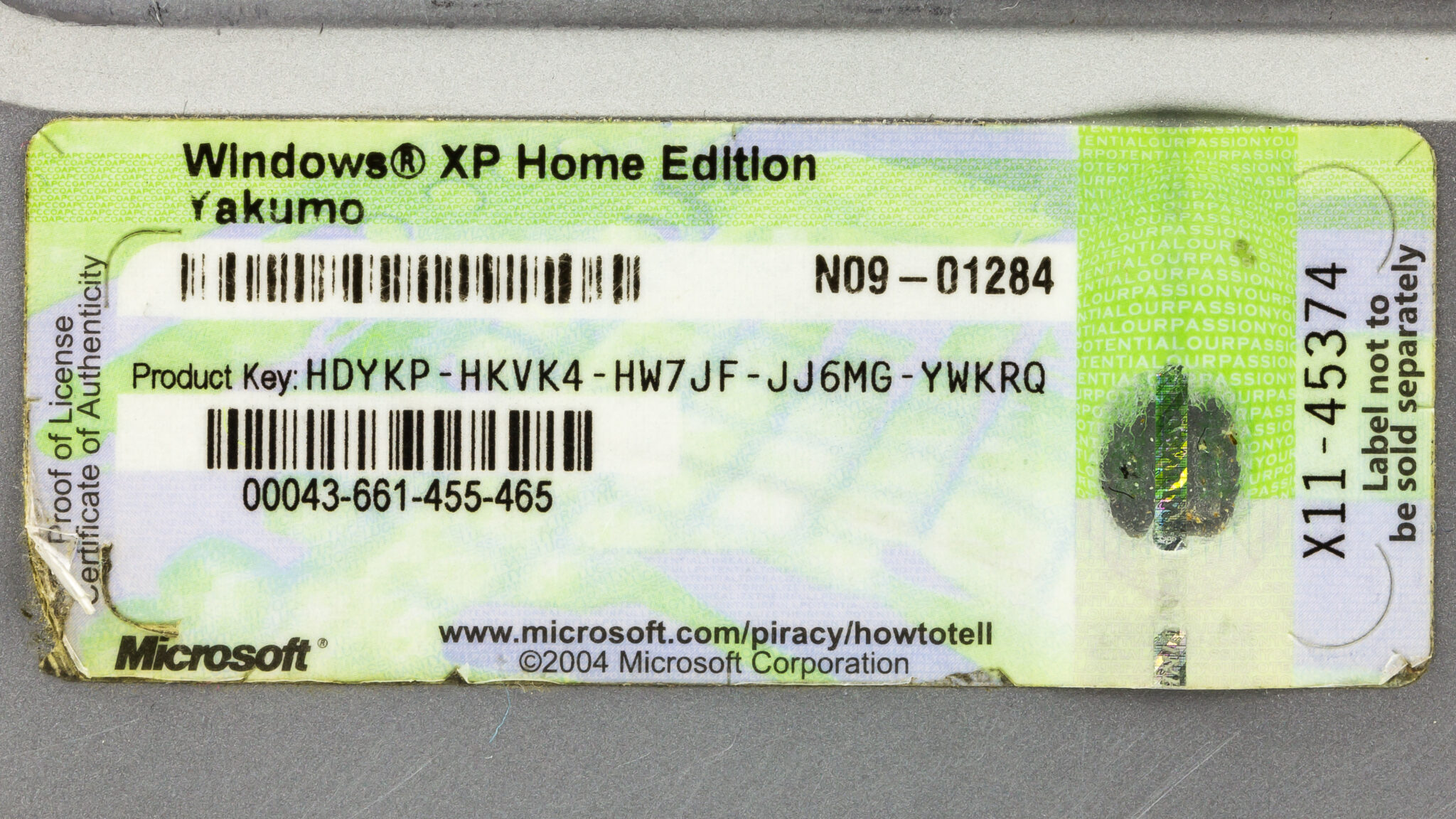
A Certificate of Authenticity.
OEM: DM (Digital Marker / Firmware-Embedded)
On modern PCs, the product key is embedded in the UEFI firmware (also called a digital/OEM marker). Windows reads it automatically during installation, so no manual entry is needed.
How to Check Your OEM License Type
1. Open Command Prompt as administrator.
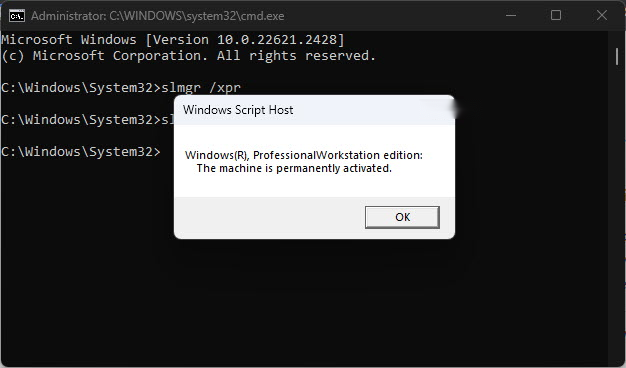
2. Run: slmgr /dlv to view activation/license details.
3. Check the firmware-embedded key with: (Get-CimInstance -Class SoftwareLicensingService).OA3xOriginalProductKey in PowerShell.
4. Review the Description/Channel in the slmgr output to identify the OEM type.
Troubleshooting
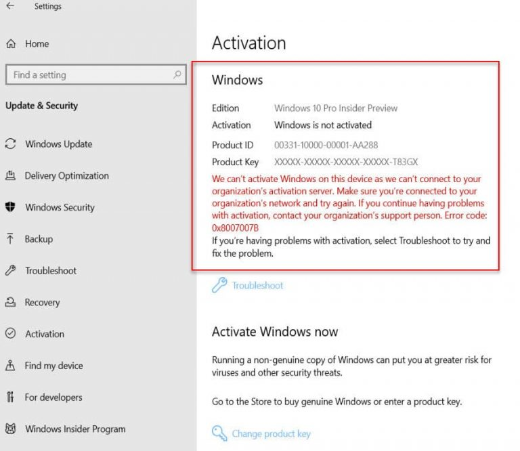
Problem: Windows won’t auto-activate.
Solution: The firmware key may be missing/mismatched — enter the COA key or reactivate after confirming the correct edition.
Problem: OA3xOriginalProductKey is blank.
Solution: No firmware-embedded key exists (older SLP or retail); use the COA key or your digital license.
Problem: Edition mismatch.
Solution: The embedded key activates a specific edition — install the matching Windows edition.
Problem: Transferring the license.
Solution: OEM licenses are tied to the original PC and generally aren’t transferable to another machine.
Conclusion
OEM Windows licenses vary: SLP and firmware-embedded (DM) keys activate automatically, while NSLP and COA keys may need manual entry. Use slmgr /dlv and the OA3xOriginalProductKey query to identify what your PC uses — and remember OEM licenses stay with the original hardware.
</w:pBdr><w:spacing w:before="220" w:after="40"/></w:pPr><w:r><w:rPr><w:b/><w:bCs/><w:color w:val="0B5394"/><w:sz w:val="21"/><w:szCs w:val="21"/><w:rFonts w:ascii="Calibri" w:cs="Calibri" w:eastAsia="Calibri" w:hAnsi="Calibri"/></w:rPr><w:t xml:space="preserve">About TechHub
This guide is part of the TechHub Knowledge Base. For more step-by-step IT guides and support, visit techhub.com.lk.