Overview
Bluetooth audio quality depends heavily on the codec both your PC and headphones support. From basic SBC to high-resolution LDAC, the codec in use affects clarity and latency. This guide explains the codecs and how to check which one is active.
Key Takeaways
- The active codec is the best one both devices share.
- SBC is universal; AAC, aptX, and LDAC offer better quality.
- Windows negotiates the codec automatically when connecting.
- Codec support depends on your Bluetooth adapter and drivers.
Understand the Codecs
- SBC — the default, supported everywhere, with modest quality.
- AAC — efficient and common on Apple and streaming devices.
- aptX / aptX HD — lower latency and higher quality on supported hardware.
- LDAC — high-resolution audio when both devices support it.
Check the Active Codec
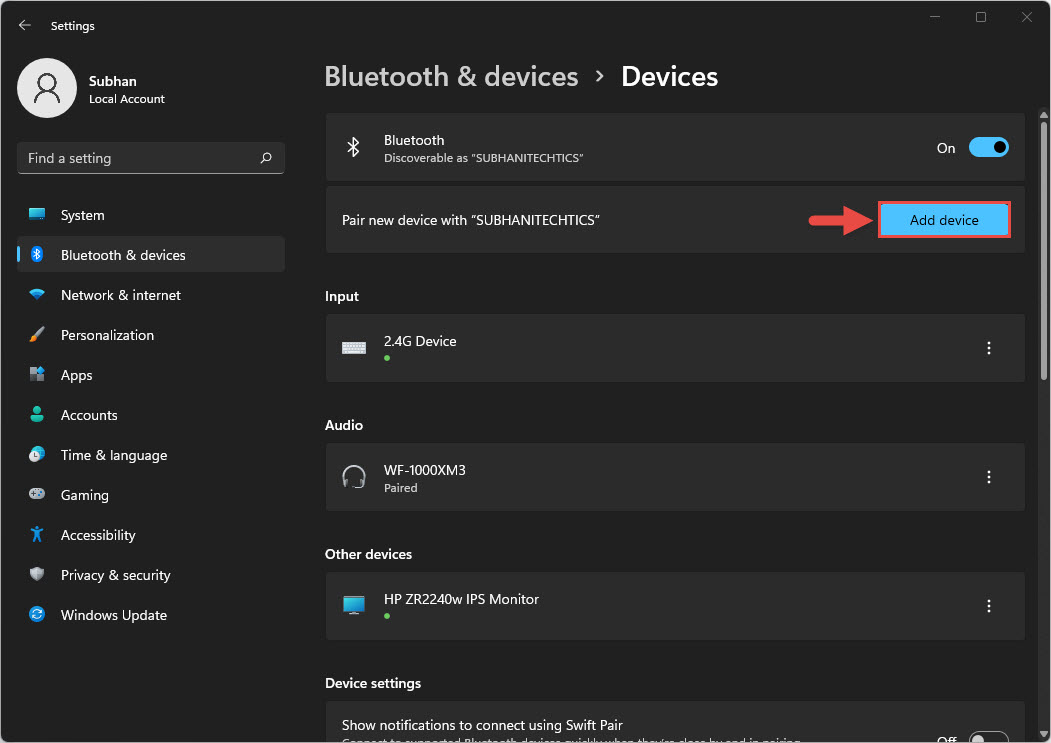
1. Connect your Bluetooth headphones to the PC.
2. Open Device Manager and view the Bluetooth adapter details for supported profiles.
3. Use a manufacturer or third-party audio tool that reports the active codec.
4. Update your Bluetooth driver to unlock higher-quality codecs your hardware supports.
Note: Windows does not always expose the active codec in the interface; a vendor tool or headphone app is often the clearest way to see it.
Troubleshooting
Problem: Audio quality is poor.
Solution: Your devices may be using SBC; confirm both support a higher codec and update the Bluetooth driver.
Problem: A high-quality codec is not used.
Solution: Windows may lack support for aptX or LDAC; check whether your adapter and its driver provide it.
Problem: There is noticeable audio lag.
Solution: Use a lower-latency codec like aptX where supported, and keep the devices close together.
Problem: The headphones sound different on another device.
Solution: That device likely supports a different codec; codec choice varies by hardware pairing.
Conclusion
The Bluetooth codec in use decides your wireless audio quality. Know the options, keep your adapter driver current, and pair devices that share a high-quality codec for the best sound.
About TechHub
This guide is part of the TechHub Knowledge Base. For more step-by-step IT guides and support, visit techhub.com.lk.