Overview
Bluetooth audio quality එක බොහෝ දුරට රඳා පවතින්නේ ඔබේ PC එකයි headphones දෙකයි support කරන codec එක මතයි. basic SBC සිට high-resolution LDAC දක්වා, use වෙන codec එක clarity සහ latency වලට බලපානවා. මේ guide එකෙන් codecs පැහැදිලි කරලා, active එක මොකක්ද කියලා check කරන හැටි කියලා දෙනවා.
Key Takeaways
- Active codec එක කියන්නේ දෙ device එකම share කරන හොඳම එක.
- SBC universal; AAC, aptX, සහ LDAC වඩා හොඳ quality එකක් දෙනවා.
- Connect වෙනකොට Windows automatically codec එක negotiate කරනවා.
- Codec support එක ඔබේ Bluetooth adapter එකයි drivers ලයි මත රඳා පවතිනවා.
Understand the Codecs
- SBC — default එක, හැම තැනම support, modest quality එකක් සහිතව.
- AAC — efficient සහ Apple සහ streaming devices වල common.
- aptX / aptX HD — supported hardware වල lower latency සහ higher quality.
- LDAC — දෙ device එකම support කරනකොට high-resolution audio.
Check the Active Codec
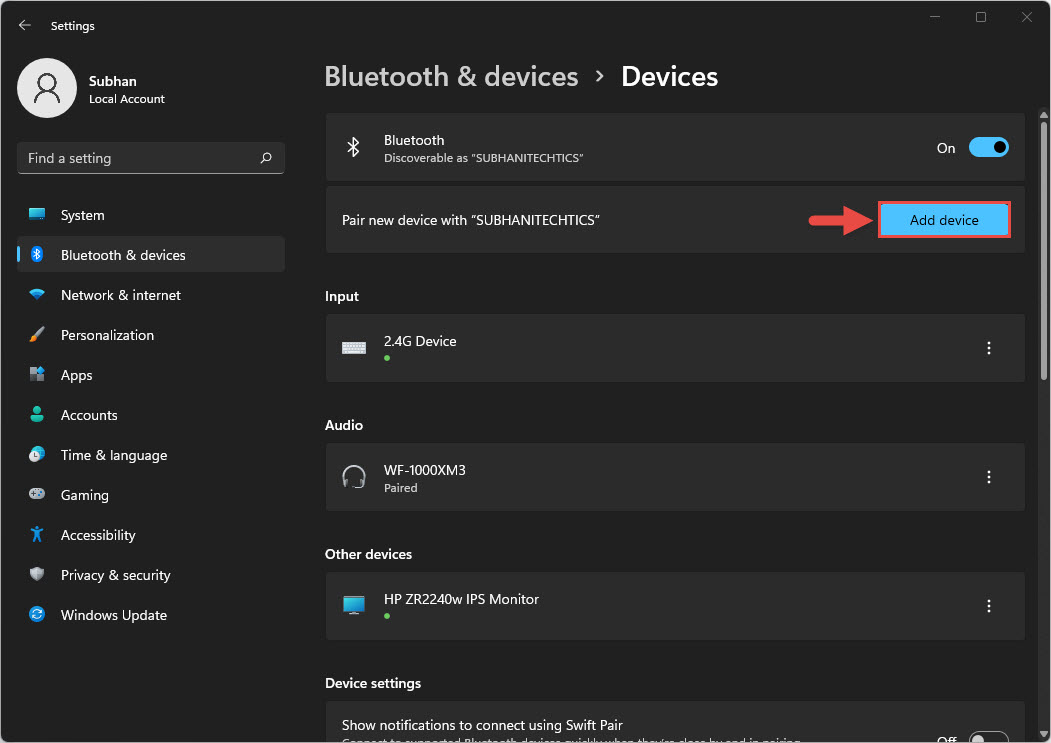
1. ඔබේ Bluetooth headphones PC එකට connect කරන්න.
2. Device Manager open කරලා supported profiles සඳහා Bluetooth adapter details බලන්න.
3. Active codec එක report කරන manufacturer හෝ third-party audio tool එකක් use කරන්න.
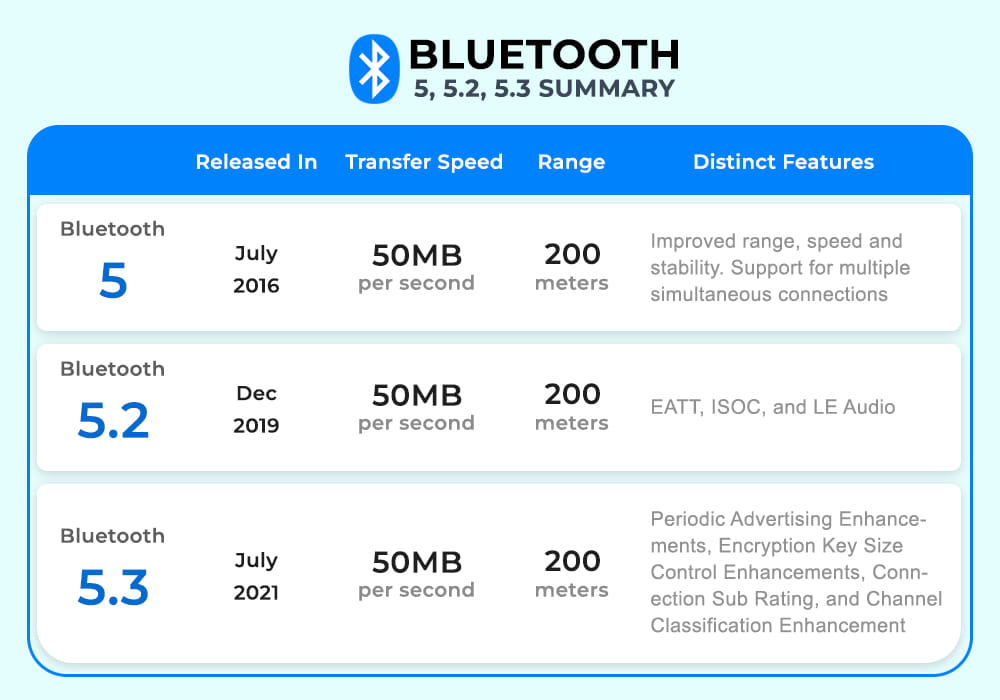
4. ඔබේ hardware support කරන higher-quality codecs unlock කරන්න Bluetooth driver එක update කරන්න.
Note: Windows හැම විටම interface එකේ active codec එක පෙන්නන්නේ නැහැ; vendor tool එකක් හෝ headphone app එකක් බොහෝවිට ඒක බලන්න පැහැදිලිම ක්රමයි.
Troubleshooting
Problem: Audio quality එක දුර්වලයි.
Solution: ඔබේ devices SBC use කරනවා වෙන්න පුළුවන්; දෙකම higher codec එකක් support කරනවද කියලා confirm කරලා Bluetooth driver එක update කරන්න.
Problem: High-quality codec එකක් use වෙන්නේ නැහැ.
Solution: Windows වලට aptX හෝ LDAC support නැති වෙන්න පුළුවන්; ඔබේ adapter එකයි ඒකේ driver එකයි ඒක සපයනවද කියලා check කරන්න.
Problem: කැපී පෙනෙන audio lag එකක් තියෙනවා.
Solution: Supported තැන aptX වගේ lower-latency codec එකක් use කරලා, devices ලං ලං තියාගන්න.
Problem: Headphones වෙනත් device එකක වෙනස් විදිහට sound වෙනවා.
Solution: ඒ device එක බොහෝවිට වෙනස් codec එකක් support කරනවා; codec choice එක hardware pairing එකට අනුව වෙනස් වෙනවා.
Conclusion
Use වෙන Bluetooth codec එකෙන් ඔබේ wireless audio quality එක තීරණය වෙනවා. options දැනගෙන, adapter driver එක current තියාගෙන, හොඳම sound එකට high-quality codec එකක් share කරන devices pair කරන්න.
About TechHub
මේ guide එක TechHub Knowledge Base එකේ කොටසක්. තව step-by-step IT guides සහ support වලට techhub.com.lk එකට යන්න.