Command Line එක පාවිච්චි කරලා Network Port එකක් Open ද කියලා Check කරන හැටි
PowerShell සහ Telnet පාවිච්චි කරලා remote (හෝ local) port එකක් reachable ද කියලා test කරන්න.
Overview
Port එකක් open ද කියලා check කිරීම servers සහ services වලට connectivity diagnose කරන්න උදව් වෙනවා. මේ guide එකෙන්, ඔයාට test කරන්න අවසර තියෙන systems වල, PowerShell එකේ Test-NetConnection එකයි Telnet client එකයි පාවිච්චි කරලා command line එකෙන් ports test කරන හැටි කියලා දෙනවා.
Note: ඔයාට අයිති හෝ check කරන්න authorized hosts වල ports විතරක් test කරන්න.
Key Takeaways
- Test-NetConnection තමයි port එකක් test කරන්න තියෙන modern, built-in ක්රමය.
- Telnet එකෙන් port එකකට connect වෙලා ඒක open ද කියලා තහවුරු කරගන්න පුළුවන්.
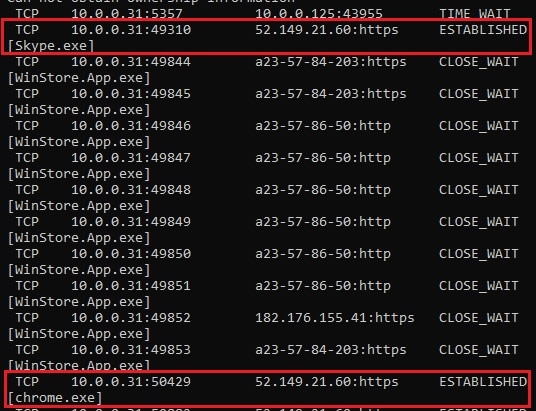
- netstat එකෙන් local listening ports පෙන්නනවා.
- Closed/filtered port එකක් සාමාන්යයෙන් firewall හෝ service issues කියලා තමයි අදහස.
Method 1: PowerShell (Test-NetConnection)
1. PowerShell open කරන්න.
2. Run කරන්න: Test-NetConnection -ComputerName example.com -Port 443
3. "TcpTestSucceeded: True" (open) හෝ False (closed/filtered) කියලා check කරන්න.
4. Quick output එකකට: (Test-NetConnection example.com -Port 443).TcpTestSucceeded
Method 2: Telnet Client
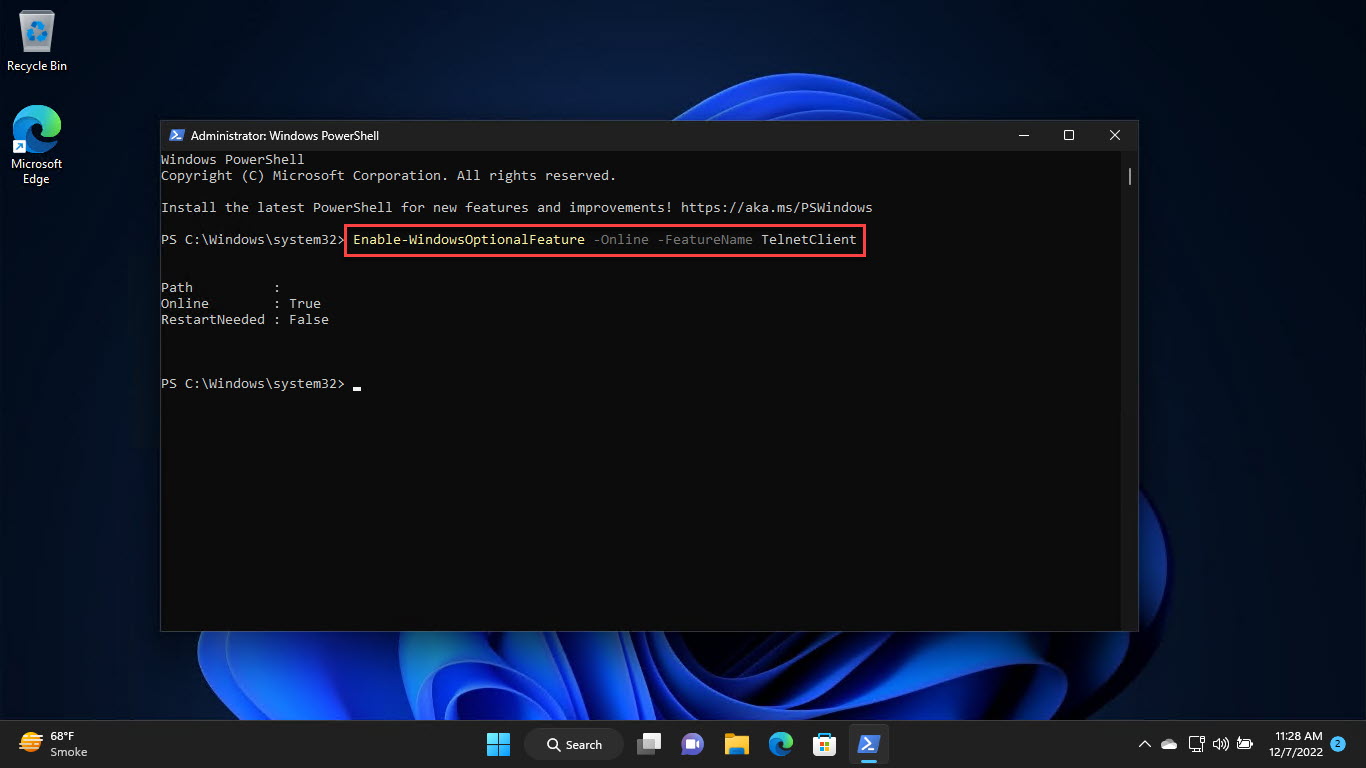
1. Telnet install කරන්න: "dism /online /Enable-Feature /FeatureName:TelnetClient" run කරන්න හෝ Windows Features වල enable කරන්න.
2. Port එකක් test කරන්න: telnet example.com 443
3. Blank screen/connection එකක් = open; error/timeout එකක් = closed හෝ filtered.
4. Exit වෙන්න Ctrl + ] press කරලා quit type කරන්න.
Method 3: Check Local Listening Ports
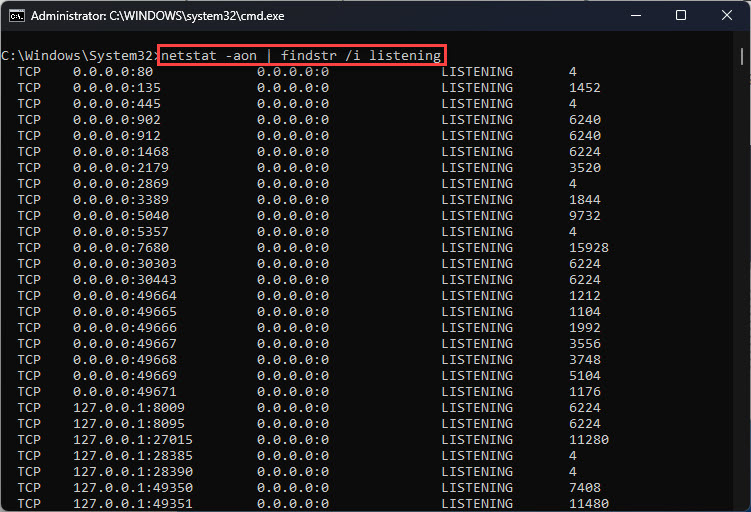
1. Run කරන්න: netstat -ano | findstr LISTENING
2. මොන local ports open ද, ඒවායේ owning PID එකයි බලන්න.
3. PID එක Task Manager > Details වල process එකකට map කරන්න.
Troubleshooting
Problem: telnet recognized නෑ.
Solution: Telnet Client feature එක enable කරන්න (Windows Features හෝ DISM); ඒක default විදිහට off.
Problem: Service run වෙනවා තියෙද්දී port එක closed කියලා පෙන්නනවා.
Solution: Firewall එකක් (host හෝ network) ඒක block කරන්න පුළුවන් — දෙපැත්තෙම firewall rules check කරන්න.
Problem: Timeouts.
Solution: Host එක reachable ද කියලා තහවුරු කරගන්න (ping/Test-NetConnection -Port නැතුව) සහ port number එක හරි ද කියලා බලන්න.
Problem: Ports ගොඩක් scan කරන්න ඕන.
Solution: ඔයාට run කරන්න authorized dedicated scanner එකක් පාවිච්චි කරන්න; Test-NetConnection එකවර port එකක් විතරයි check කරන්නේ.
Conclusion
PowerShell එකේ Test-NetConnection තමයි port එකක් open ද කියලා check කරන්න තියෙන වේගවත්ම built-in ක්රමය, manual alternative එකක් විදිහට Telnet එකයි local listeners වලට netstat එකයි එක්ක. "closed" result එකක් සාමාන්යයෙන් firewall එකක් හෝ listen නොකරන service එකක් වෙතට තමයි යොමු කරන්නේ.