How to Check If a Network Port Is Open Using the Command Line
Test whether a remote (or local) port is reachable using PowerShell and Telnet.
Overview
Checking whether a port is open helps diagnose connectivity to servers and services. This guide shows how to test ports from the command line using PowerShell’s Test-NetConnection and the Telnet client — on systems you’re allowed to test.
Note: Only test ports on hosts you own or are authorized to check.
Key Takeaways
- Test-NetConnection is the modern, built-in way to test a port.
- Telnet can connect to a port to confirm it’s open.
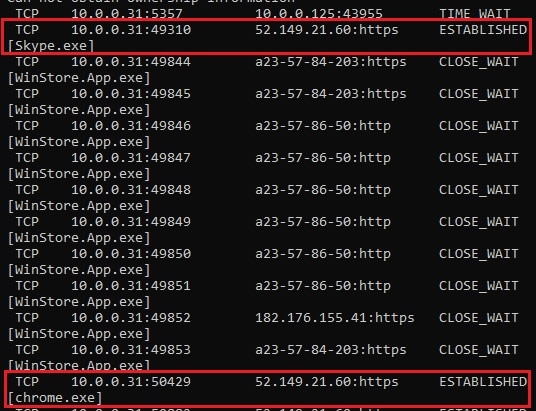
- netstat shows local listening ports.
- A closed/filtered port usually means firewall or service issues.
Method 1: PowerShell (Test-NetConnection)
1. Open PowerShell.
2. Run: Test-NetConnection -ComputerName example.com -Port 443
3. Check "TcpTestSucceeded: True" (open) or False (closed/filtered).
4. For quick output: (Test-NetConnection example.com -Port 443).TcpTestSucceeded
Method 2: Telnet Client
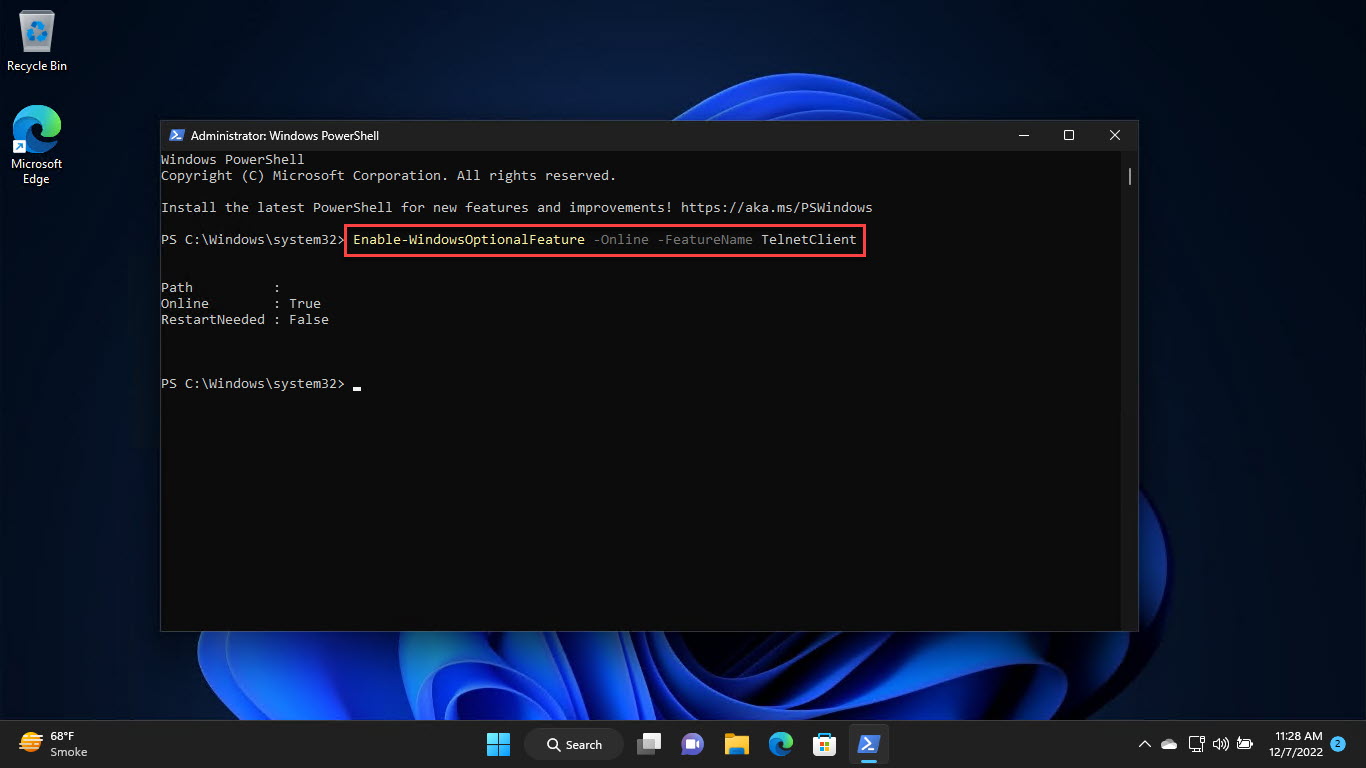
1. Install Telnet: run "dism /online /Enable-Feature /FeatureName:TelnetClient" or enable it in Windows Features.
2. Test a port: telnet example.com 443
3. A blank screen/connection = open; an error/timeout = closed or filtered.
4. Press Ctrl + ] then type quit to exit.
Method 3: Check Local Listening Ports
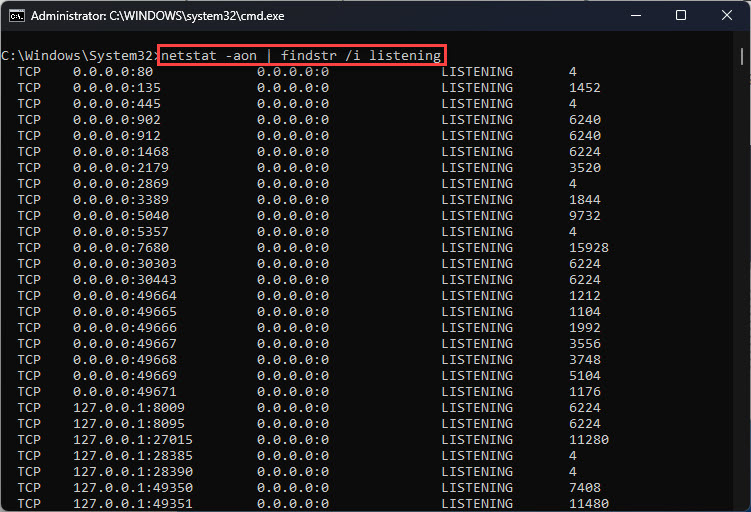
1. Run: netstat -ano | findstr LISTENING
2. See which local ports are open and their owning PID.
3. Map the PID to a process in Task Manager > Details.
Troubleshooting
Problem: telnet not recognized.
Solution: Enable the Telnet Client feature (Windows Features or DISM); it’s off by default.
Problem: Port shows closed but service is running.
Solution: A firewall (host or network) may block it — check firewall rules on both ends.
Problem: Timeouts.
Solution: Confirm the host is reachable (ping/Test-NetConnection without -Port) and the port number is correct.
Problem: Need to scan many ports.
Solution: Use a dedicated scanner you’re authorized to run; Test-NetConnection checks one port at a time.
Conclusion
PowerShell’s Test-NetConnection is the quickest built-in way to check if a port is open, with Telnet as a manual alternative and netstat for local listeners. A "closed" result usually points to a firewall or a service that isn’t listening.