Overview
SoftwareDistribution folder එකේ temporary Windows Update files store කරනවා. ඒක clear කරන එකෙන් stuck හෝ failing updates fix කරලා space free කරන්න පුළුවන්. මේ guide එකෙන් ඒක මොකක්ද, කවදද clean කරන්නේ, සහ safely කරන ආකාරය පැහැදිලි කරනවා.
SoftwareDistribution folder එක clean කරනවා.
Key Takeaways
- SoftwareDistribution එකෙන් Windows Update downloads cache කරනවා.
- ඒක clear කරන එක safe — Windows automatically rebuild කරනවා.
- Contents delete කරන්න කලින් update services stop කරන්න.
- Stuck downloads සහ update errors fix කරන්න useful.
Folder එක කියන්නේ මොකක්ද
C:\Windows\SoftwareDistribution එකේ තියෙන ඒක, installation එකට කලින් update files temporarily තියාගන්නවා. Update එකක් corrupt වුණොත්, මේ cache එකෙන් repeated failures ඇති කරන්න පුළුවන්.
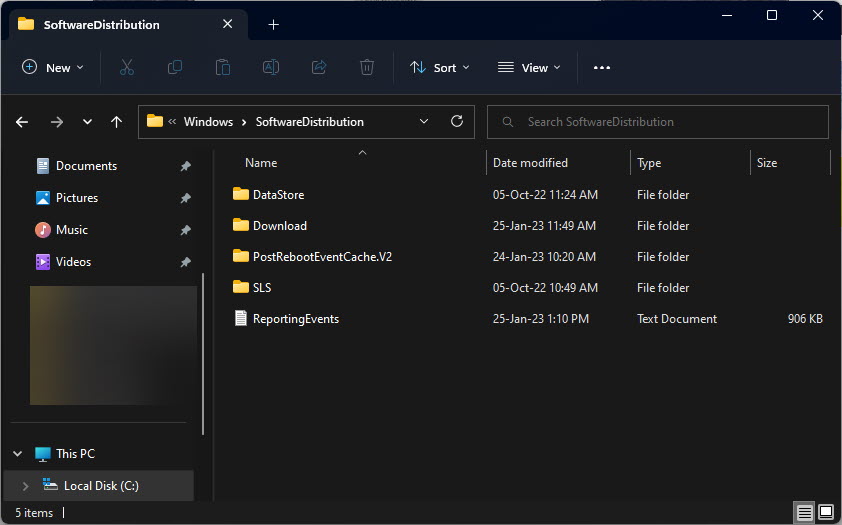
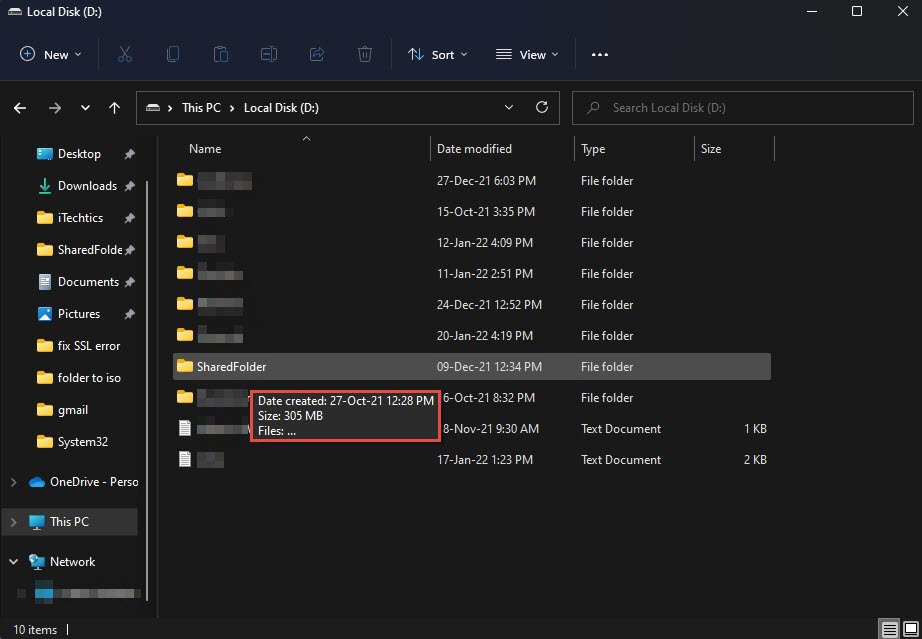
SoftwareDistribution folder එක.
කවදද Clean කරන්නේ
- Updates download වෙන එකේ stuck හෝ install වෙන්නේ නෑ.
- Windows Update errors දකිනවා.
- Folder එක ගොඩක් ලොකු වෙලා.
Safely Clean කරන්නේ කොහොමද
1. Services (services.msc) open කරන්න.
2. "Windows Update" (wuauserv) සහ "Background Intelligent Transfer Service" (BITS) stop කරන්න.
3. C:\Windows\SoftwareDistribution open කරලා Download folder එකේ contents delete කරන්න (folder එකම නෙවෙයි).
4. Stop කරපු services දෙකම restart කරන්න.
5. Windows Update recheck කරන්න — ඒකට ඕන දේ ආපහු download කරනවා.
Note: නැත්නම්, fallback එකක් තියාගන්න SoftwareDistribution එක SoftwareDistribution.old කරලා rename කරන්න (services stop කරලා); Windows fresh folder එකක් හදනවා.
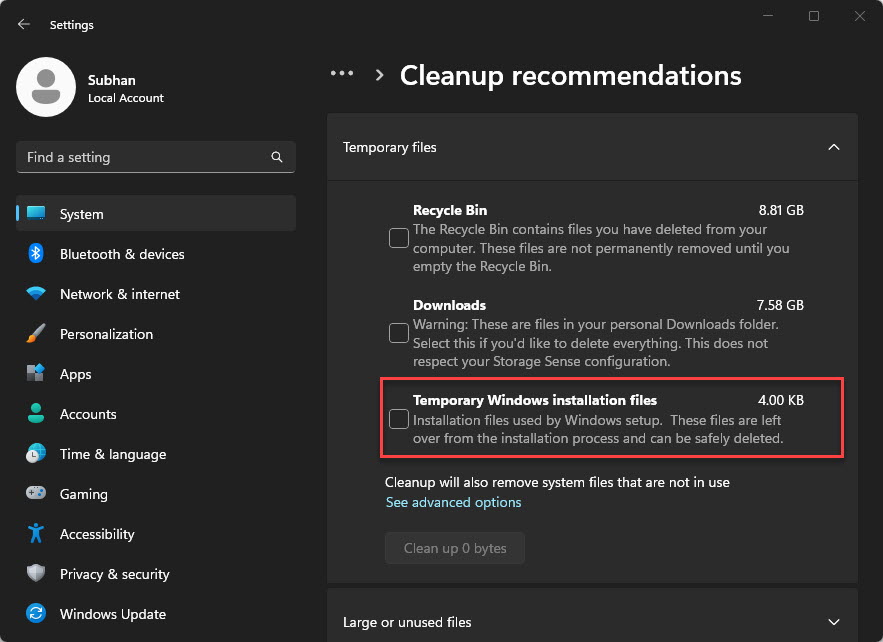
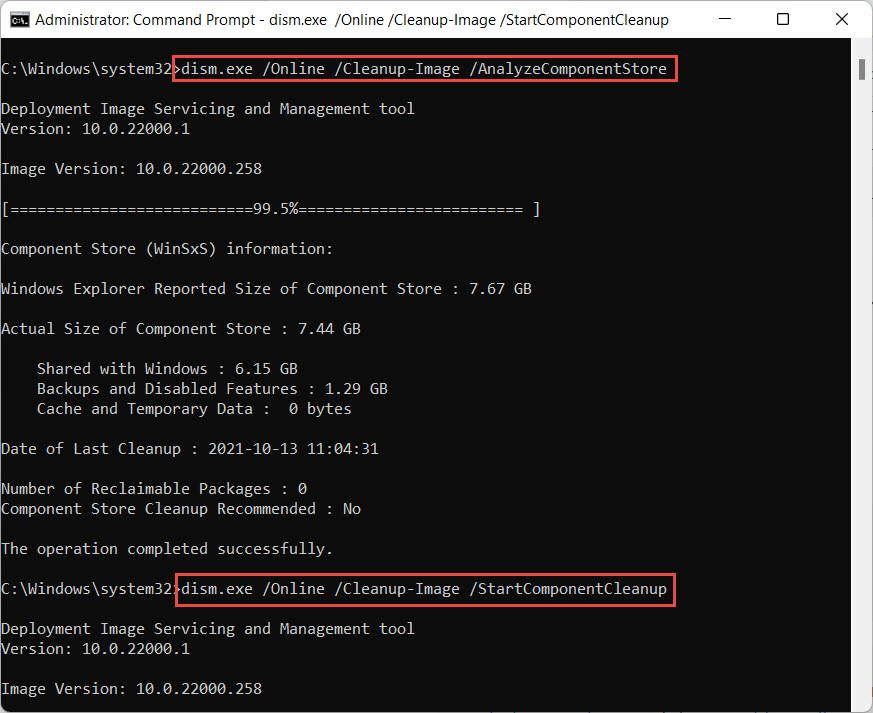
Temporary Windows installation files clear කරනවා.
Troubleshooting
Problem: Delete කරනකොට "Folder in use".
Solution: මුලින් Windows Update සහ BITS services stop කියලා බලන්න; තවම locked නම් reboot කරලා retry කරන්න.
Problem: Cleanup එකට පස්සෙත් updates fail වෙනවා.
Solution: Windows Update troubleshooter එක run කරලා, ඊට පස්සේ sfc /scannow සහ DISM /Online /Cleanup-Image /RestoreHealth.
Problem: Update history නැති වුණා.
Solution: ඒක expected — cache clear කරන එකෙන් pending update state reset කරනවා; history කාලයත් එක්ක rebuild වෙනවා.
Problem: Services restart වෙන්නේ නෑ.
Solution: services.msc එකේ ඒවා Manual/Automatic කරලා start කරලා reboot කරන්න.
Conclusion
SoftwareDistribution download cache එක clear කරන එක stuck Windows Updates වලට safe, effective fix එකක්. Update services stop කරලා, cached files delete කරලා (හෝ folder එක rename කරලා), services restart කරලා, Windows එකට cache එක cleanly rebuild කරන්න දෙන්න.
About TechHub
මේ guide එක TechHub Knowledge Base එකේ කොටසක්. තව step-by-step IT guides සහ support වලට techhub.com.lk එකට යන්න.