Overview
Windows upgrade එකකට පස්සේ, previous installation එක Windows.old folder එකක තියාගන්නවා — roll back කරන්න පුළුවන් වෙන්න. ඒක gigabytes ගොඩක් ගන්න පුළුවන්. අලුත් version එකේ satisfied වුණාම, ඒක safely delete කරන්න පුළුවන්. මේ guide එකෙන් ඒක කරන safe ක්රම පෙන්නනවා.
Windows.old folder එකේ ඔබේ previous installation එක store කරලා, remove කරන්න පුළුවන්.
Warning: Windows.old delete කරන එකෙන් previous Windows version එකට roll back කරන්න පුළුවන්කම අයින් වෙනවා. අලුත් version එක හොඳට වැඩ කරනවා කියලා sure වුණාම විතරයි delete කරන්න, ඒක ඇතුළේ තියෙන්න පුළුවන් personal files backup කරන්න.
Key Takeaways
- Windows.old එකෙන් upgrade එකකට පස්සේ දවස් ~10ක් roll back කරන්න දෙනවා.
- ඒක 10–20+ GB disk space ගන්න පුළුවන්.
- Safely remove කරන්න Storage settings හෝ Disk Cleanup පාවිච්චි කරන්න.
- Permissions නිසා File Explorer එකේ සරලවම delete කරන්න බෑ.
Method 1 — Storage Settings (Recommended)
1. Settings > System > Storage > Temporary files open කරන්න.
2. "Previous Windows installation(s)" tick කරන්න.
3. Remove files click කරලා confirm කරන්න.
Method 2 — Disk Cleanup
1. Windows key + R press කරලා cleanmgr type කරලා Enter කරන්න; C: drive එක select කරන්න.
2. "Clean up system files" click කරන්න.
3. "Previous Windows installation(s)" tick කරලා, OK > Delete Files.
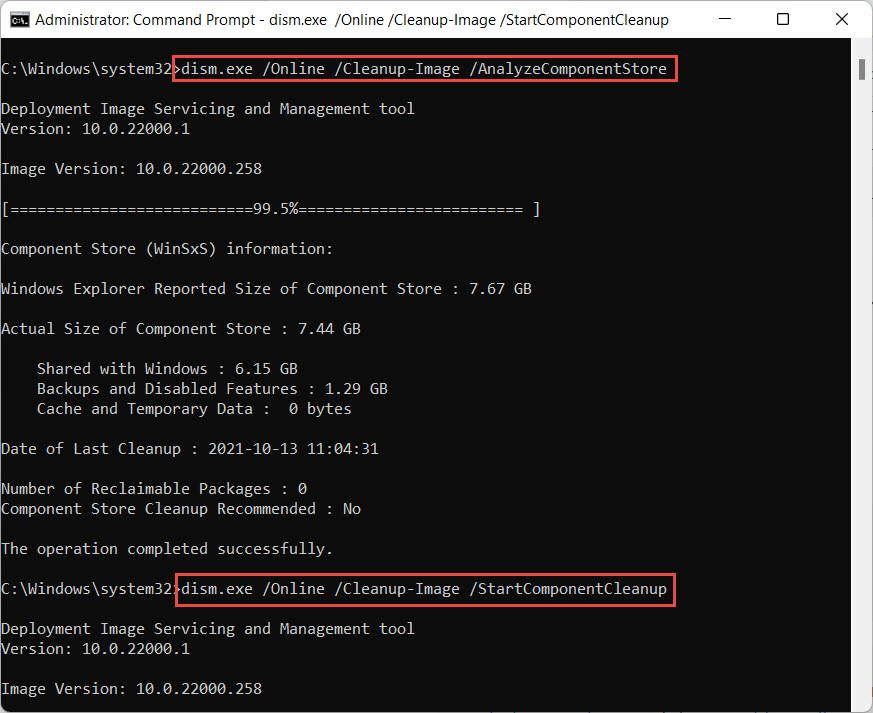
Disk Cleanup එකෙන් previous Windows installations remove කරන්න පුළුවන්.
Method 3 — Command Prompt
1. Command Prompt එක administrator විදිහට open කරන්න.
2. Ownership ගන්න: takeown /F C:\Windows.old\* /R /A /D Y
3. Permissions grant කරන්න: cacls C:\Windows.old\*.* /T /grant administrators:F
4. Delete කරන්න: rmdir /S /Q C:\Windows.old
Troubleshooting
Problem: File Explorer එකේ delete කරන්න බෑ.
Solution: Protected system folders remove කරන්න permissions තියෙන Storage settings හෝ Disk Cleanup පාවිච්චි කරන්න.
Problem: "Previous Windows installation(s)" list වෙලා නෑ.
Solution: ඒක දවස් ~10කට පස්සේ auto-delete වෙන්න පුළුවන්, නැත්නම් Windows.old එකක් නෑ; remove කරන්න මුකුත් නෑ.
Problem: Command-line delete එක fail වෙනවා.
Solution: Administrator විදිහට run කරලා මුලින් ownership ගන්න (takeown/cacls), ඊට පස්සේ rmdir; files locked නම් reboot කරන්න.
Problem: මට තවම පරණ files ඕන වෙන්න පුළුවන්.
Solution: Delete කරන්න කලින් Windows.old\Users එකෙන් personal files copy කරන්න — rollback එකයි folder එකයි නැති වෙනවා.
Conclusion
ඔබේ upgraded Windows stable වුණාම, Windows.old remove කරන එකෙන් සැලකිය යුතු space free වෙනවා. Safe, permission-aware delete එකකට Storage settings හෝ Disk Cleanup පාවිච්චි කරන්න — ඒකෙන් roll back කරන්න පුළුවන්කම ඉවර වෙනවා කියලා මතක තියාගන්න.
About TechHub
මේ guide එක TechHub Knowledge Base එකේ කොටසක්. තව step-by-step IT guides සහ support වලට techhub.com.lk එකට යන්න.