Windows එකේ Automatic Window Resizing (Snap) එක Disable කරන ක්රම 4ක්
Windows screen edges වලට drag කරන විට windows snap/resize වීම නවත්වන්න, Settings සහ Registry හරහා.
Overview
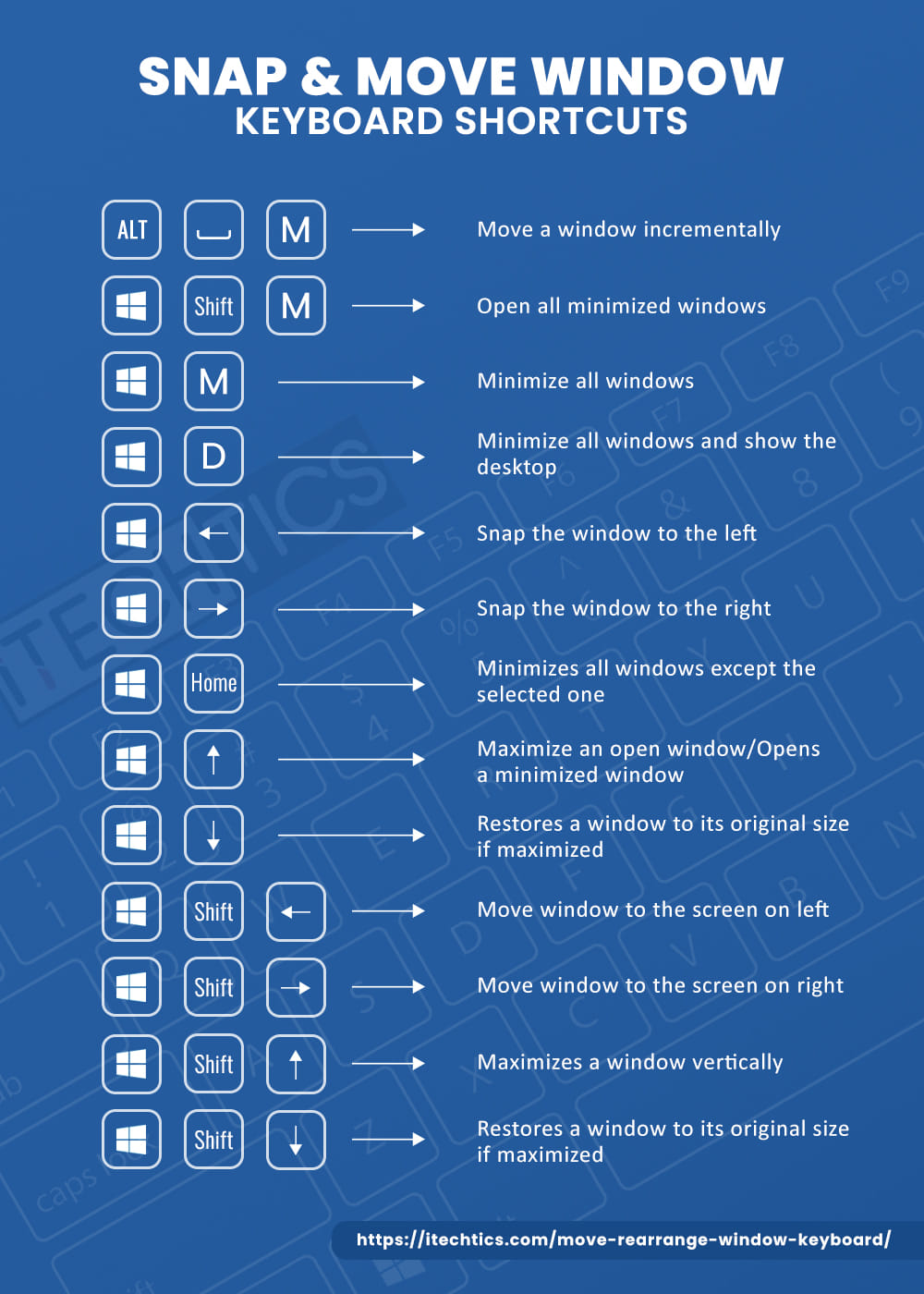
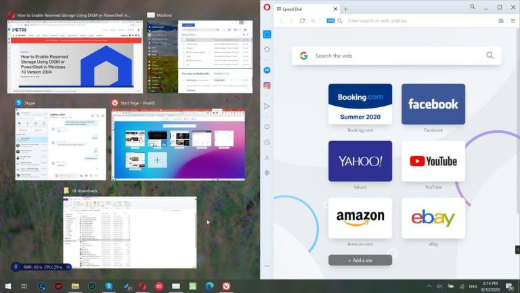
Windows එකේ Snap feature එක window එකක් edge එකකට හෝ corner එකකට drag කරන විට auto-resize කරනවා. ඒක කරදරයක් නම්, මේ guide එකෙන් Settings, Control Panel, සහ Registry හරහා Snap (Aero Snap) disable කරන ක්රම හතරක් පෙන්නනවා.
Automatic window resizing (Snap) disable කිරීම.
Key Takeaways
- Snap එකෙන් edges/corners වලට drag කරන windows auto-resize කරනවා.
- Settings > Multitasking එකේ එය off කරන්න.
- Control Panel එකේ Ease of Access එකෙනුත් එය disable කරනවා.
- Registry value එකකින් ඒම behaviour එකම control කරනවා.
Method 1: Settings App
1. Settings > System > Multitasking open කරන්න.
2. "Snap windows" off කරන්න.
3. හෝ specific Snap behaviours විතරක් disable කරන්න එය expand කරන්න.
Method 2: Control Panel (Ease of Access)
1. Control Panel > Ease of Access > Ease of Access Center open කරන්න.
2. "Make it easier to manage windows" click කරන්න.
3. "Prevent windows from being automatically arranged when moved to the edge of the screen" tick කරන්න.
4. Apply කරන්න.
Method 3: Registry
Warning: Registry එක වැරදියට edit කිරීම ප්රශ්න ඇති කරන්න පුළුවන්. කලින් Registry එක back up කරන්න.
1. HKEY_CURRENT_USER\Control Panel\Desktop වෙත යන්න.
2. Disable කරන්න "WindowArrangementActive" string එක 0 ට set කරන්න (enable කරන්න 1).
3. Apply කරන්න sign out කරලා ආපහු sign in කරන්න.
Method 4: Command Line
1. reg command එක හරහා disable කරන්න: reg add "HKCU\Control Panel\Desktop" /v WindowArrangementActive /t REG_SZ /d 0 /f
2. Apply කරන්න sign out/in කරන්න (හෝ restart කරන්න).
Troubleshooting
Problem: Windows තාම snap වෙනවා.
Solution: Multitasking එකේ "Snap windows" off කියලා confirm කරන්න, Registry changes වලට පස්සේ sign out/in කරන්න.
Problem: සමහර Snap features විතරක් තියාගන්න ඕන.
Solution: හැම එකම වෙනුවට individual behaviours toggle කරන්න Settings එකේ "Snap windows" expand කරන්න.
Problem: Setting එක ආපහු වෙනස් වෙනවා.
Solution: ආපහු apply කරන්න; වෙන tool එකක් Snap ආපහු enable කරන්නේ නෑ කියලා බලන්න.
Problem: ආපහු ඕන.
Solution: "Snap windows" ආපහු on කරන්න, හෝ WindowArrangementActive 1 ට set කරන්න.
Conclusion
Windows auto-resizing නවත්වන්න, Settings > Multitasking එකේ "Snap windows" off කරන්න — ලේසිම ක්රමය. Control Panel එකේ Ease of Access එකයි WindowArrangementActive Registry value එකයි ඒම දේම කරනවා, ඔබට ඕන වෙලාවක Snap ආපහු enable කරන්න පුළුවන්.