Overview
"Modal", "pop-up", "popover", "lightbox", "dialog box" — these UI terms are often confused. This reference defines each, explains how they differ, and offers guidance on when to use which.
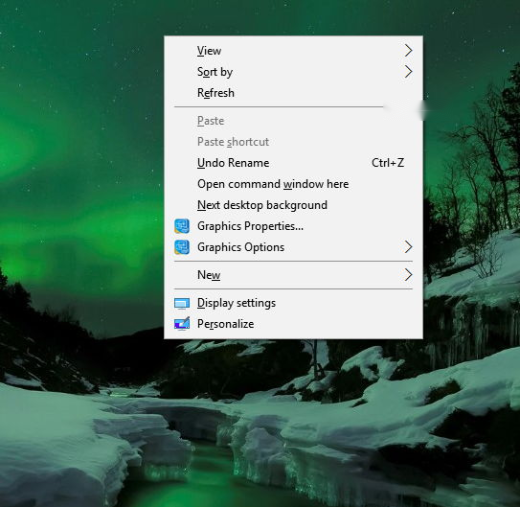
Common UI overlay elements compared.
Key Takeaways
- A modal blocks interaction until dismissed; a popover does not.
- Pop-ups are separate windows; popovers are inline overlays.
- A lightbox dims the page to focus on media.
- A dialog box is a small modal asking for input or confirmation.
Pop-Up
A separate browser window or overlay that appears over the page, often for ads, sign-ups, or notifications. Pop-ups can be blocked by browsers and are typically dismissible.
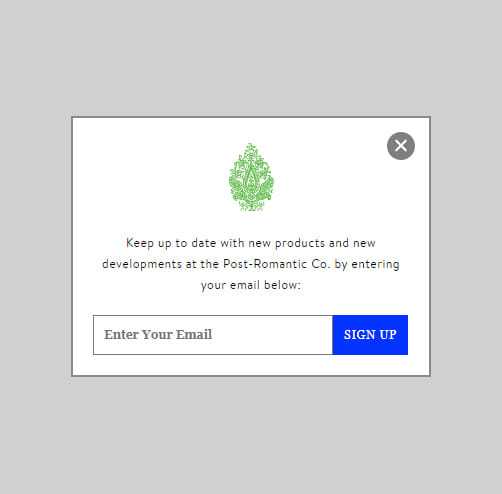
Example of a pop-up.
Modal
An overlay that blocks the rest of the interface until you act on it (confirm, cancel, or close). It forces focus and is common for critical actions or forms.
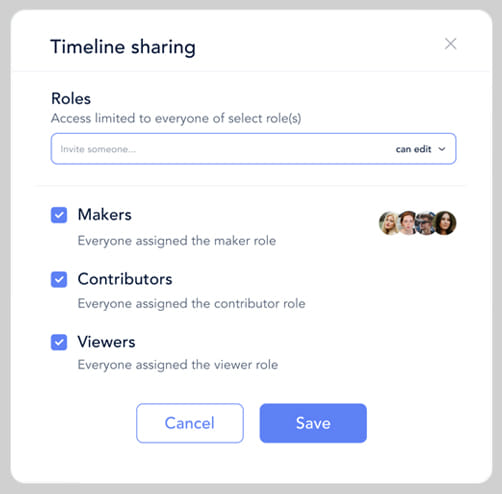
Example of a modal.
Lightbox / Theatre
A modal variant that dims the background to spotlight media — usually an image or video — shown centred on screen.
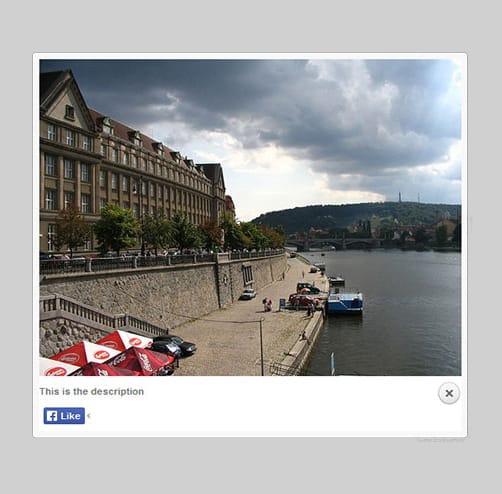
Example of a lightbox.
Popover
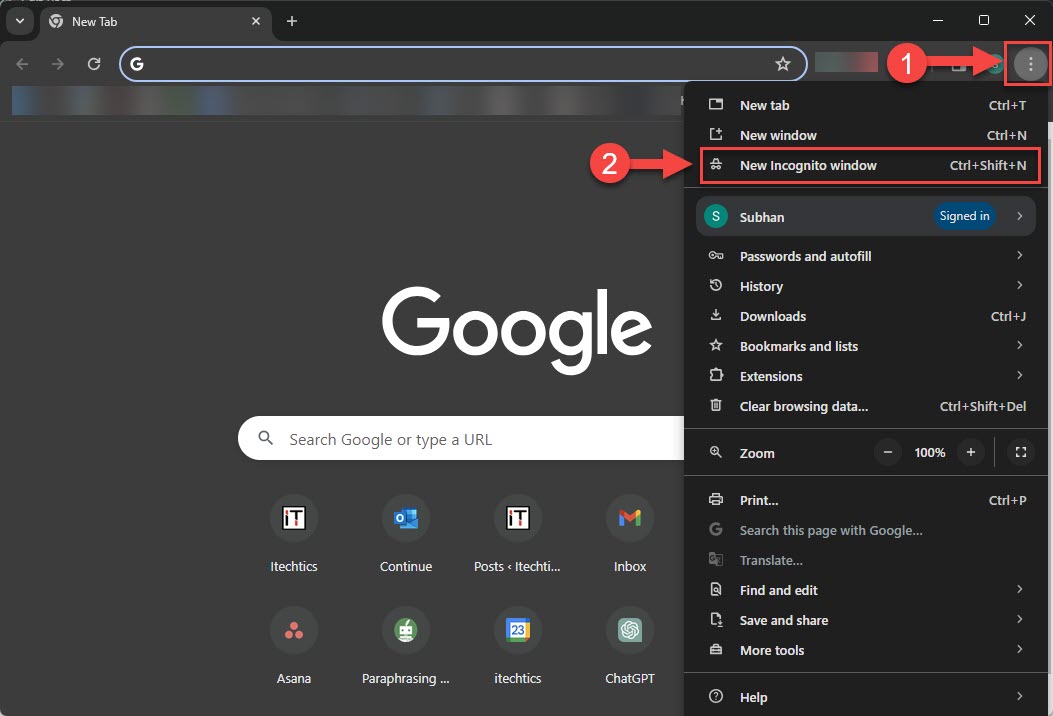
A small, non-blocking overlay anchored to an element (like a button), showing extra info or actions. Unlike a modal, you can still interact with the page.
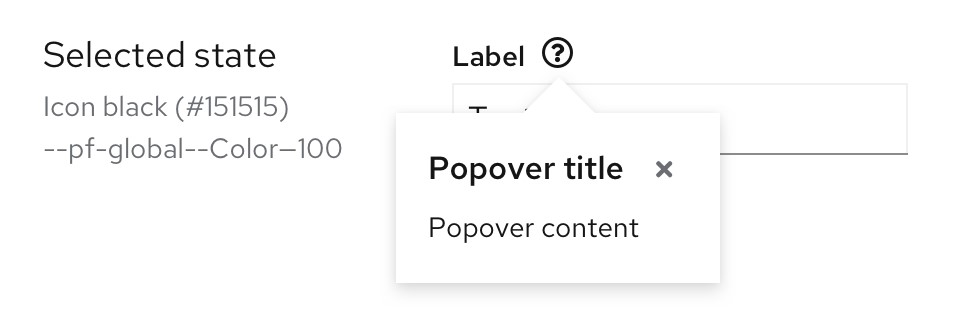
Example of a popover.
Window
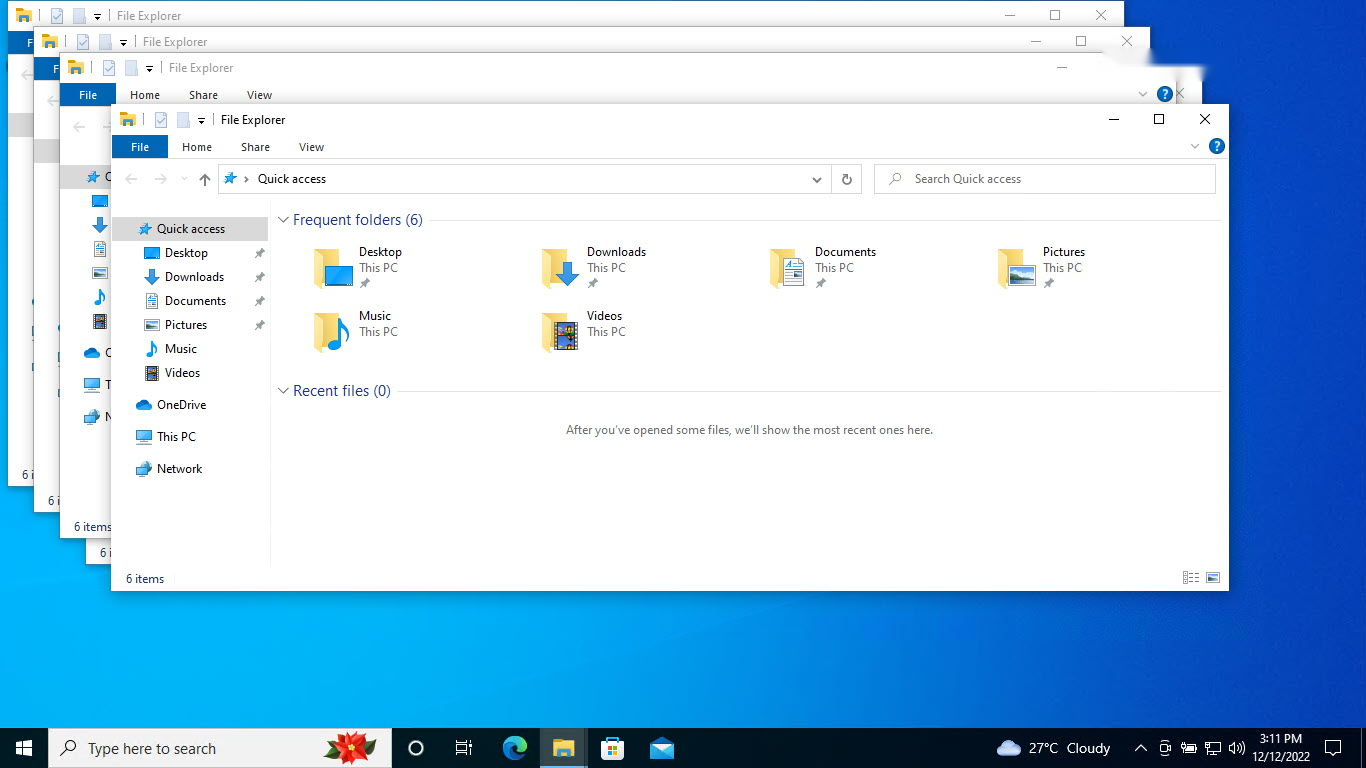
A full, independent application or browser window with its own title bar and controls. It’s the top-level container for content.
Example of a complete window.
Tab
A way to switch between views within the same window without opening new ones — used by browsers and apps to organise content.

Example of multiple tabs within a window.
Dialog Box
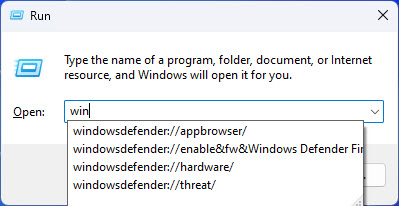
A small modal that asks for a decision or input — e.g., "Save changes?" with OK/Cancel. It’s focused and usually blocks until answered.
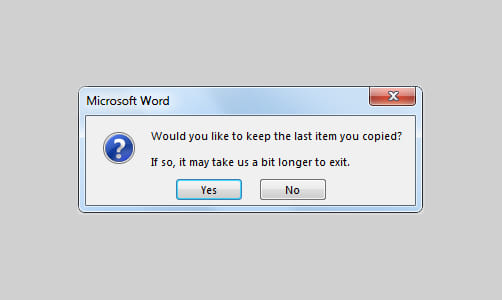
Example of a dialog box.
Which One to Use
- Use a modal/dialog for critical actions needing a decision.
- Use a popover for contextual, non-blocking hints or menus.
- Use a lightbox to showcase images or video.
- Use pop-ups sparingly — they’re easily blocked and can annoy users.
Conclusion
The key distinction is whether the element blocks interaction (modals, dialogs, lightboxes) or not (popovers), and whether it’s a separate window (pop-ups, windows) or inline. Choosing the right pattern keeps interfaces clear and user-friendly.
</w:pBdr><w:spacing w:before="220" w:after="40"/></w:pPr><w:r><w:rPr><w:b/><w:bCs/><w:color w:val="0B5394"/><w:sz w:val="21"/><w:szCs w:val="21"/><w:rFonts w:ascii="Calibri" w:cs="Calibri" w:eastAsia="Calibri" w:hAnsi="Calibri"/></w:rPr><w:t xml:space="preserve">About TechHub
This guide is part of the TechHub Knowledge Base. For more step-by-step IT guides and support, visit techhub.com.lk.