How to Download Firefox Offline Installers (and Choose an Edition)
Get the full standalone Firefox installer, understand ESR vs standard, and keep it updated.
Overview
The default Firefox download is a small online stub. The offline (full) installer lets you install Firefox without downloading during setup — ideal for offline PCs or bulk installs. This guide covers editions, install, and updates.
Downloading Firefox offline installers.
Note: Download Firefox only from Mozilla’s official site (mozilla.org/firefox). Avoid third-party mirrors.
Key Takeaways
- The full/offline installer bundles everything.
- Standard Firefox gets the newest features; ESR is for stability.
- Available for Windows, macOS, and Linux.
- Firefox auto-updates, but you can update manually too.
Standard vs ESR
- Standard Firefox: latest features and frequent updates.
- Firefox ESR (Extended Support Release): fewer changes, ideal for organizations.
- Choose ESR only if you need long-term stability.
Download and Install
1. Go to Mozilla’s official download page and select the full/offline installer (choose your language and OS).
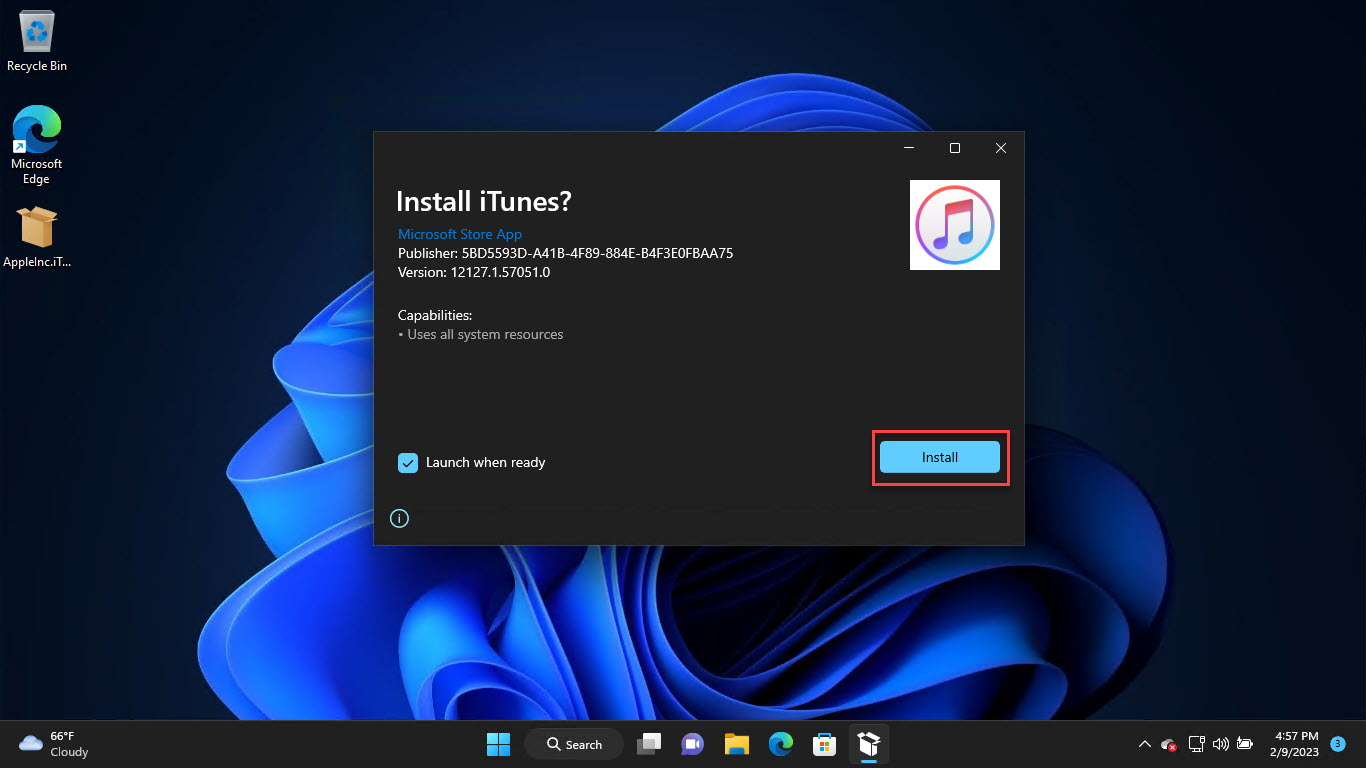
2. Run the installer and follow the prompts.
3. On first launch, import bookmarks/passwords from Chrome/Edge if you like.
4. Sign in to a Firefox Account to sync across devices (optional).
Check Version and Update
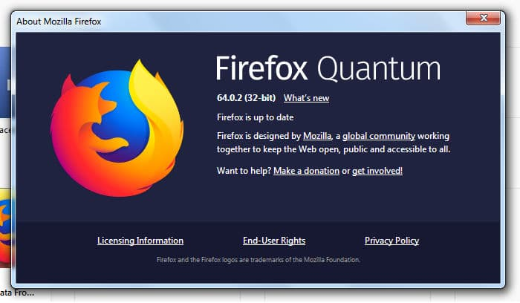
1. Open Menu > Help > About Firefox to see the version and trigger an update.
2. Firefox downloads updates automatically; click Restart to apply.
3. Or reinstall with the latest offline installer to update manually.
Troubleshooting
Problem: Installer needs internet.
Solution: Download the full/offline installer rather than the online stub.
Problem: Update won’t apply.
Solution: Reinstall with the latest offline installer, or check Help > About Firefox.
Problem: Need long-term stability.
Solution: Use Firefox ESR, which changes less frequently.
Problem: Profile issues after reinstall.
Solution: Your profile persists; use about:profiles to manage or refresh if needed.
Conclusion
Firefox’s offline installer is the way to set it up without a live download — grab it from Mozilla’s official site, pick standard or ESR, and keep it current via Help > About Firefox. ESR suits organizations needing stability.