Overview
Optional features such as .NET Framework 3.5 normally download from Windows Update. On offline machines that fails, so you install them from local media using DISM and a Features on Demand source. This guide explains the offline approach.
Key Takeaways
- Optional features can be installed offline from the Windows installation media.
- DISM points to a local source instead of Windows Update.
- You need matching installation media or a Features on Demand ISO.
- Group Policy can direct feature installs to a local path.
Install With DISM
1. Insert or mount the Windows installation media and note its drive letter.
2. Open Command Prompt as an administrator.
3. Run, for .NET 3.5: DISM /Online /Enable-Feature /FeatureName:NetFx3 /All /Source:D:\sources\sxs /LimitAccess
4. Replace D: with your media’s drive letter and wait for completion.
Point Group Policy to a Local Source
1. Press Windows + R, type gpedit.msc, and press Enter.
2. Go to Computer Configuration > Administrative Templates > System.
3. Open Specify settings for optional component installation and repair.
4. Enable it, set the local source path, and tick to bypass Windows Update.
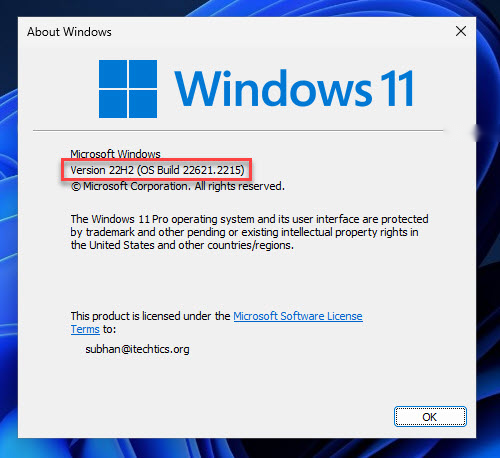
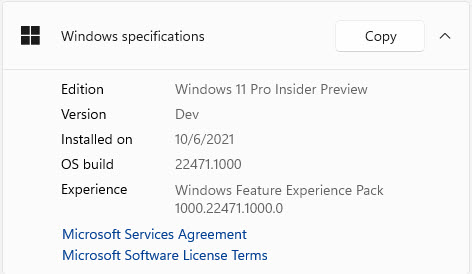
Note: The /Source path must match the exact Windows version of the installed system; mismatched media will fail.
Troubleshooting
Problem: DISM reports the source files could not be found.
Solution: Verify the /Source path points to the sources\sxs folder on media matching your Windows version.
Problem: The feature still tries to reach Windows Update.
Solution: Add /LimitAccess to force DISM to use only the local source.
Problem: Error 0x800f081f appears.
Solution: This means the source is missing or mismatched; use media with the same build and edition.
Problem: Group Policy path is ignored.
Solution: Run gpupdate /force and confirm the local path is accessible to the system account.
Conclusion
Offline feature installation keeps disconnected machines fully functional. Point DISM to matching local media with /LimitAccess and even features like .NET 3.5 install without internet.
About TechHub
This guide is part of the TechHub Knowledge Base. For more step-by-step IT guides and support, visit techhub.com.lk.