Overview
An MDF file is a disc image format often paired with an MDS file. Windows cannot mount MDF images natively, so you either use a disc-image tool or convert the MDF to ISO first. This guide covers both approaches.
Key Takeaways
- MDF is a disc image format that usually comes with a matching MDS file.
- Windows cannot mount MDF directly.
- A disc-image tool can mount MDF as a virtual drive.
- Converting MDF to ISO lets you use the built-in Windows mount feature.
Method 1: Mount With a Disc-Image Tool
1. Install a reputable disc-image tool that supports MDF, such as a trusted free virtual-drive app.
2. Open the app and choose Mount.
3. Select the .mdf file, keeping its .mds companion in the same folder.
4. The contents appear as a virtual optical drive in File Explorer.
Method 2: Convert MDF to ISO
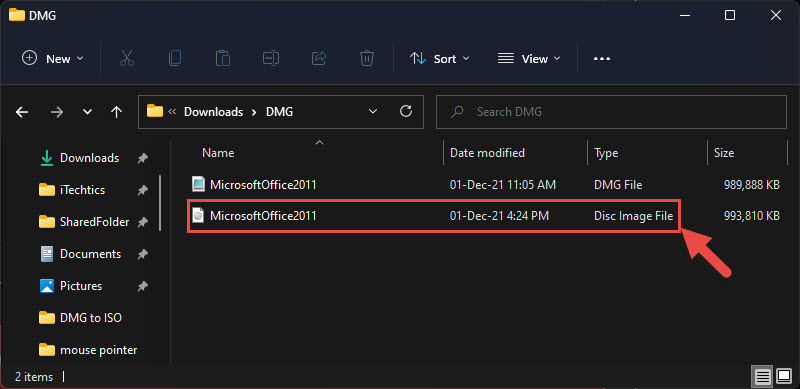
1. Use a trusted MDF-to-ISO converter tool.
2. Load the .mdf file and start the conversion to ISO.
3. Once complete, right-click the resulting .iso in File Explorer and choose Mount.
4. Windows mounts the ISO as a virtual drive with no extra software.
Warning: Download disc-image tools only from official or reputable sources, as this category is often bundled with unwanted software.
Troubleshooting
Problem: The image will not mount.
Solution: Keep the matching .mds file in the same folder with the same name as the .mdf.
Problem: Windows has no Mount option for the MDF.
Solution: Windows only mounts ISO natively; convert the MDF to ISO first or use a disc-image tool.
Problem: The virtual drive does not appear.
Solution: Restart the disc-image app and confirm its virtual drive feature is enabled.
Problem: The converter reports a corrupt file.
Solution: Re-download the MDF/MDS pair, as an incomplete download often causes conversion errors.
Conclusion
MDF files are easy to open once you mount them with a disc-image tool or convert them to ISO. The ISO route lets you rely on Windows’ own mounting with no extra software afterward.
About TechHub
This guide is part of the TechHub Knowledge Base. For more step-by-step IT guides and support, visit techhub.com.lk.