How to Refresh the Icon Cache Without Restarting Windows
Fix blank, broken, or wrong desktop and file icons by rebuilding the icon cache.
Overview
When icons show up blank, generic, or wrong, the icon cache is usually corrupt. You can rebuild it without a full reboot. This guide shows a quick command-line method and a manual method.
Refreshing the Windows icon cache.
Key Takeaways
- Corrupt icon cache causes blank/wrong icons.
- You can rebuild it by clearing the cache and restarting Explorer.
- No full PC restart is required.
- A quick command does it in seconds.
Method 1: Command Line (Quick)
1. Open Command Prompt as administrator.
2. Stop Explorer: taskkill /f /im explorer.exe
3. Delete the icon cache: del /a /q "%localappdata%\IconCache.db"
4. Delete the newer caches: del /a /q "%localappdata%\Microsoft\Windows\Explorer\iconcache*"
5. Restart Explorer: start explorer.exe
Method 2: Manual
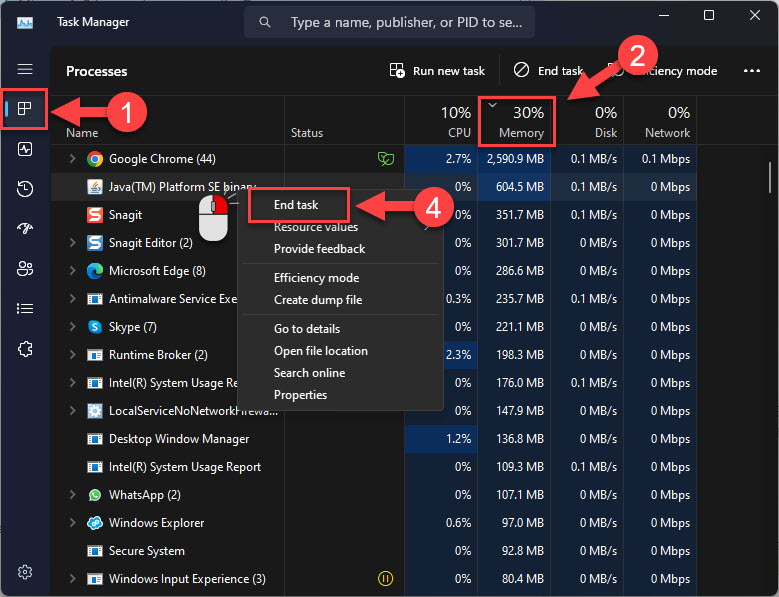
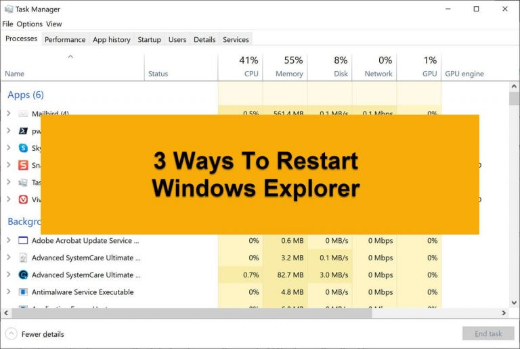
1. Open Task Manager, find "Windows Explorer", and note it.
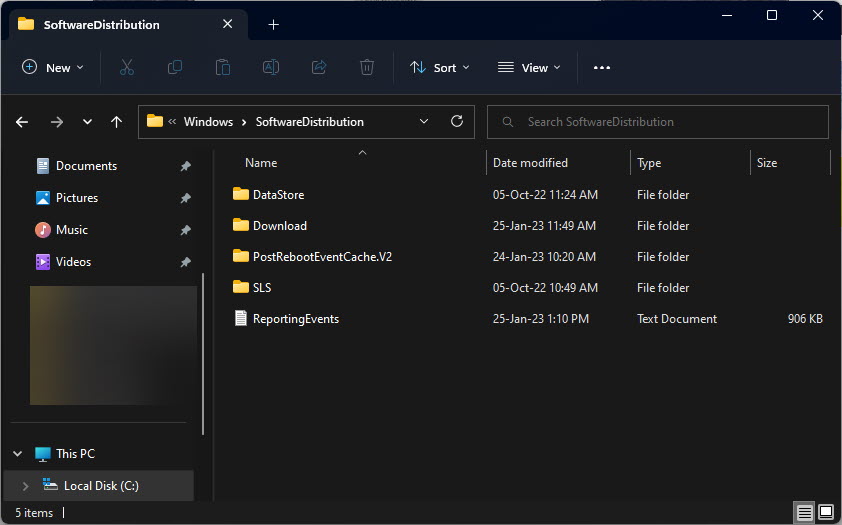
2. Enable hidden items, then go to %localappdata%\Microsoft\Windows\Explorer.
3. Delete the iconcache_*.db files (and %localappdata%\IconCache.db).
4. In Task Manager, restart Windows Explorer (or run explorer.exe).
Clearing the icon cache files.
Also Rebuild the Thumbnail Cache (Optional)
1. Run Disk Cleanup (cleanmgr).
2. Tick "Thumbnails" and clean.
3. This refreshes picture/video thumbnails similarly.
Troubleshooting
Problem: Icons still wrong after refresh.
Solution: Ensure all iconcache files were deleted while Explorer was closed, then restart Explorer; sign out/in if needed.
Problem: Cache file "in use".
Solution: End the explorer.exe process first, then delete the cache files.
Problem: Thumbnails wrong, not icons.
Solution: Clear the Thumbnails via Disk Cleanup instead.
Problem: Desktop went blank.
Solution: That’s Explorer being closed — run explorer.exe from Task Manager > Run new task.
Conclusion
Rebuilding the icon cache fixes blank or incorrect icons without a reboot: close Explorer, delete the IconCache/iconcache files, and restart Explorer. Clear the Thumbnails via Disk Cleanup too if picture previews are affected.