Windows Restart නොකර Icon Cache එක Refresh කරන හැටි
Icon cache එක rebuild කරලා blank, broken, හෝ වැරදි desktop සහ file icons හදන්න.
Overview
icons blank, generic, හෝ වැරදියට පෙන්නනවා නම්, සාමාන්යයෙන් icon cache එක corrupt වෙලා. full reboot එකක් නැතුව ඒක rebuild කරගන්න පුළුවන්. මේ guide එකෙන් ඉක්මන් command-line ක්රමයකුයි manual ක්රමයකුයි පෙන්නනවා.
Windows icon cache එක refresh කිරීම.
Key Takeaways
- Corrupt icon cache එකෙන් blank/වැරදි icons එනවා.
- cache එක clear කරලා Explorer restart කරලා rebuild කරගන්න පුළුවන්.
- Full PC restart එකක් අවශ්ය නෑ.
- ඉක්මන් command එකකින් තත්පර කිහිපයකින් කරගන්නවා.
Method 1: Command Line (ඉක්මන්)
1. Command Prompt එක administrator විදිහට open කරන්න.
2. Explorer එක නවත්තන්න: taskkill /f /im explorer.exe
3. icon cache එක delete කරන්න: del /a /q "%localappdata%\IconCache.db"
4. newer caches delete කරන්න: del /a /q "%localappdata%\Microsoft\Windows\Explorer\iconcache*"
5. Explorer එක restart කරන්න: start explorer.exe
Method 2: Manual
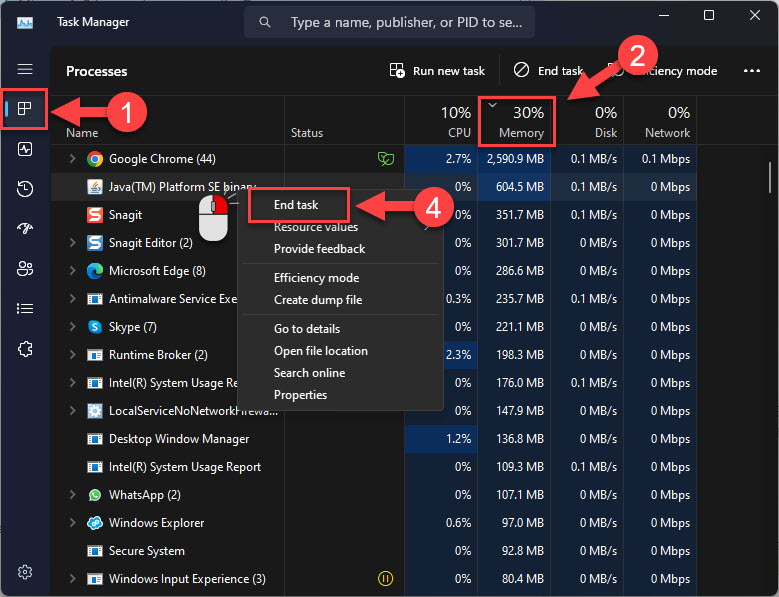
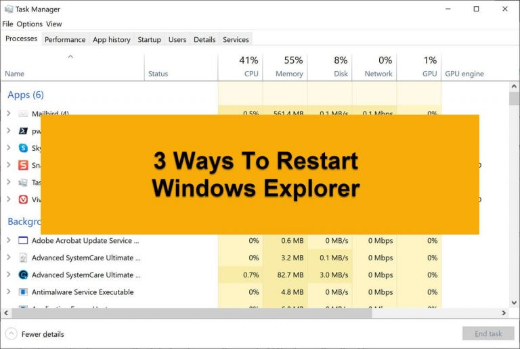
1. Task Manager එක open කරලා "Windows Explorer" එක හොයාගන්න.
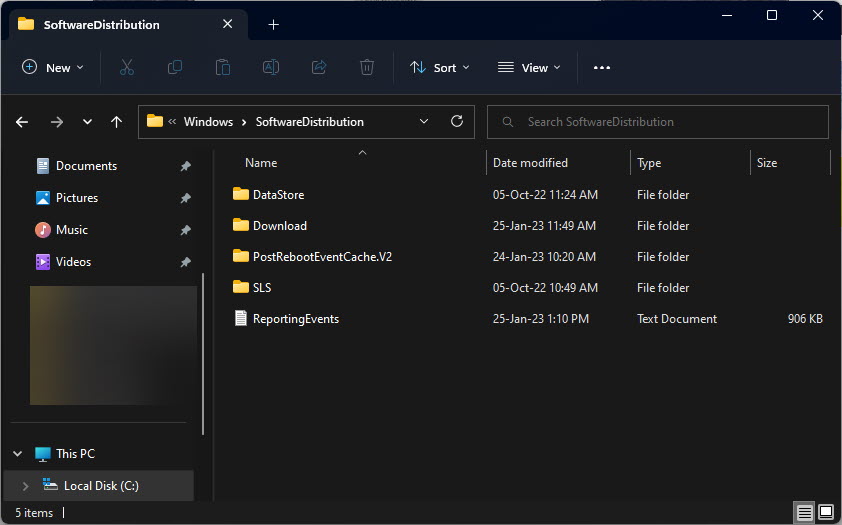
2. hidden items enable කරලා, %localappdata%\Microsoft\Windows\Explorer එකට යන්න.
3. iconcache_*.db files (සහ %localappdata%\IconCache.db) delete කරන්න.
4. Task Manager එකේ Windows Explorer restart කරන්න (හෝ explorer.exe run කරන්න).
icon cache files clear කිරීම.
Thumbnail Cache එකත් Rebuild කරන්න (Optional)
1. Disk Cleanup (cleanmgr) run කරන්න.
2. "Thumbnails" tick කරලා clean කරන්න.
3. මේකෙන් picture/video thumbnails ඒ වගේම refresh වෙනවා.
Troubleshooting
Problem: refresh කරාට පස්සෙත් icons තාම වැරදියි.
Solution: Explorer close වෙලා තියෙද්දී හැම iconcache file එකක්ම delete වුණාද කියලා confirm කරලා Explorer restart කරන්න; අවශ්ය නම් sign out/in කරන්න.
Problem: Cache file එක "in use" කියනවා.
Solution: මුලින්ම explorer.exe process එක end කරලා, ඊට පස්සේ cache files delete කරන්න.
Problem: Thumbnails වැරදියි, icons නෙවෙයි.
Solution: ඒ වෙනුවට Disk Cleanup එකෙන් Thumbnails clear කරන්න.
Problem: Desktop එක blank වුණා.
Solution: ඒ Explorer close වෙලා තියෙන නිසා — Task Manager > Run new task එකෙන් explorer.exe run කරන්න.
Conclusion
icon cache එක rebuild කිරීමෙන් reboot එකක් නැතුව blank හෝ වැරදි icons හදනවා: Explorer close කරලා, IconCache/iconcache files delete කරලා, Explorer restart කරන්න. picture previews වලට බලපානවා නම් Disk Cleanup එකෙන් Thumbnails එකත් clear කරන්න.