Overview
Default printer එකක් set කරලා තිබ්බොත් ඔබේ documents ඉබේම හරි device එකට print වෙනවා. මේ guide එකෙන් default printer එක set කරන ක්රම තුනක් සහ Windows ඔබේ default එක අන්තිමට use කළ printer එකට මාරු කිරීම නවත්වන හැටි පෙන්නනවා.
Windows එකේ default printer එක set කිරීම.
Key Takeaways
- Settings, Control Panel, හෝ command line එකෙන් default එක set කරන්න පුළුවන්.
- Windows අන්තිමට use කළ printer එක ඉබේම default විදිහට set කරන්න පුළුවන්.
- Fixed default එකක් තියාගන්න එම behaviour එක off කරන්න.
- වෙනස් කරන්න කලින් දැනට තියෙන default එක check කරන්න.
Stop Windows Managing the Default
1. Settings > Bluetooth & devices > Printers & scanners open කරන්න.
2. "Let Windows manage my default printer" off කරන්න.
3. දැන් ඔබ තෝරාගත් default එක fixed විදිහට තියෙනවා.
Method 1: Settings App
1. Settings > Bluetooth & devices > Printers & scanners open කරන්න.
2. Default විදිහට ඕන printer එක click කරන්න.
3. "Set as default" click කරන්න.
Method 2: Control Panel (Devices and Printers)
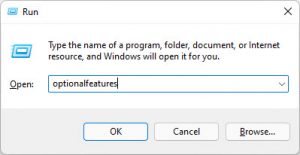
1. Control Panel > Devices and Printers open කරන්න (හෝ control printers run කරන්න).
2. ඕන printer එක right-click කරන්න.
3. "Set as default printer" තෝරන්න (green tick එකක් පෙන්නනවා).
Method 3: Command Prompt
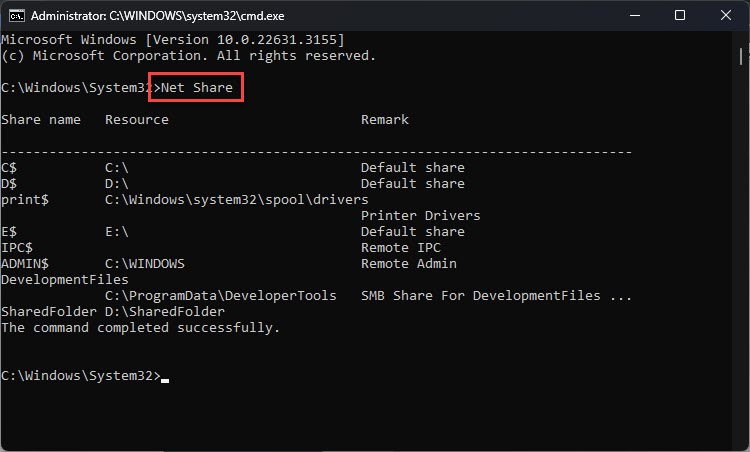
1. Printers list කරන්න: wmic printer get name,default
2. Default set කරන්න: RUNDLL32 PRINTUI.DLL,PrintUIEntry /y /n "Printer Name"
3. Default එක වෙනස් වුණාද කියලා confirm කරන්න.
Troubleshooting
Problem: Default එක නිතරම වෙනස් වෙනවා.
Solution: Printers & scanners එකේ "Let Windows manage my default printer" off කරන්න.
Problem: "Set as default" greyed out වෙලා.
Solution: Printer එක offline වෙන්න ඇති — මුලින්ම online කරලා/reconnect කරලා තියන්න.
Problem: Printer එක list වෙන්නේ නෑ.
Solution: "Add device" එකෙන් නැවත add කරන්න; drivers install වෙලා තියෙනවාද, printer එක power on/networked වෙලාද කියලා බලන්න.
Problem: Command එකෙන් default වෙනස් වෙන්නේ නෑ.
Solution: wmic එකේ තියෙන හරියටම printer name එකට match කරන්න; prompt එක ඔබේ user විදිහට run කරන්න (per-user default).
Conclusion
Default printer එක Settings, Control Panel, හෝ ඉක්මන් command එකකින් set කරන්න පුළුවන්. එය වෙනස් වීම නවත්වන්න "Let Windows manage my default printer" disable කරන්න — එතකොට ඔබ තෝරාගත් printer එක හැම වෙලේම default විදිහට තියෙනවා.
About TechHub
මේ guide එක TechHub Knowledge Base එකේ කොටසක්. තව step-by-step IT guides සහ support වලට techhub.com.lk එකට යන්න.