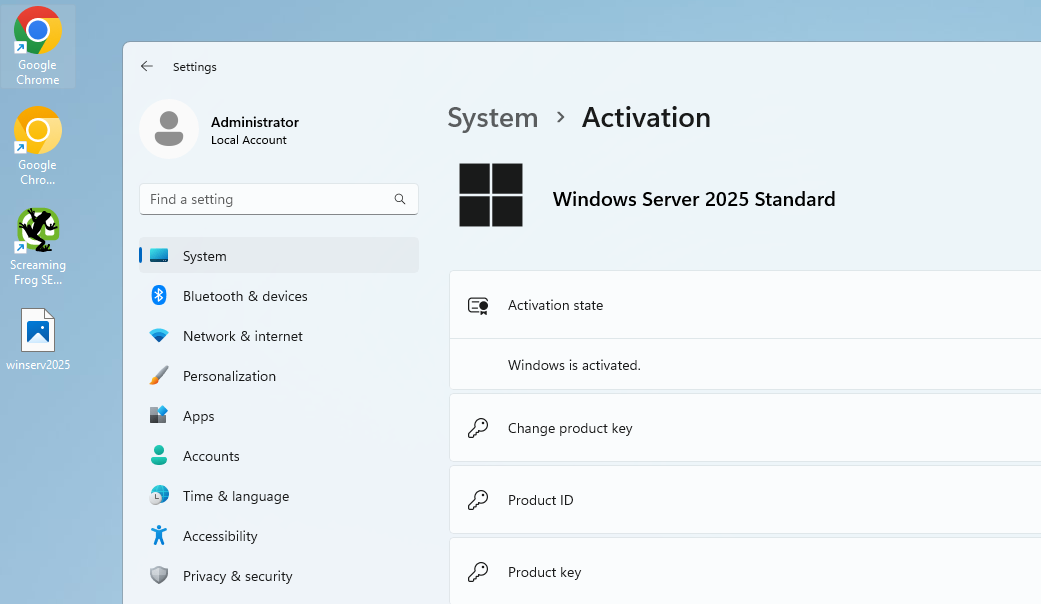
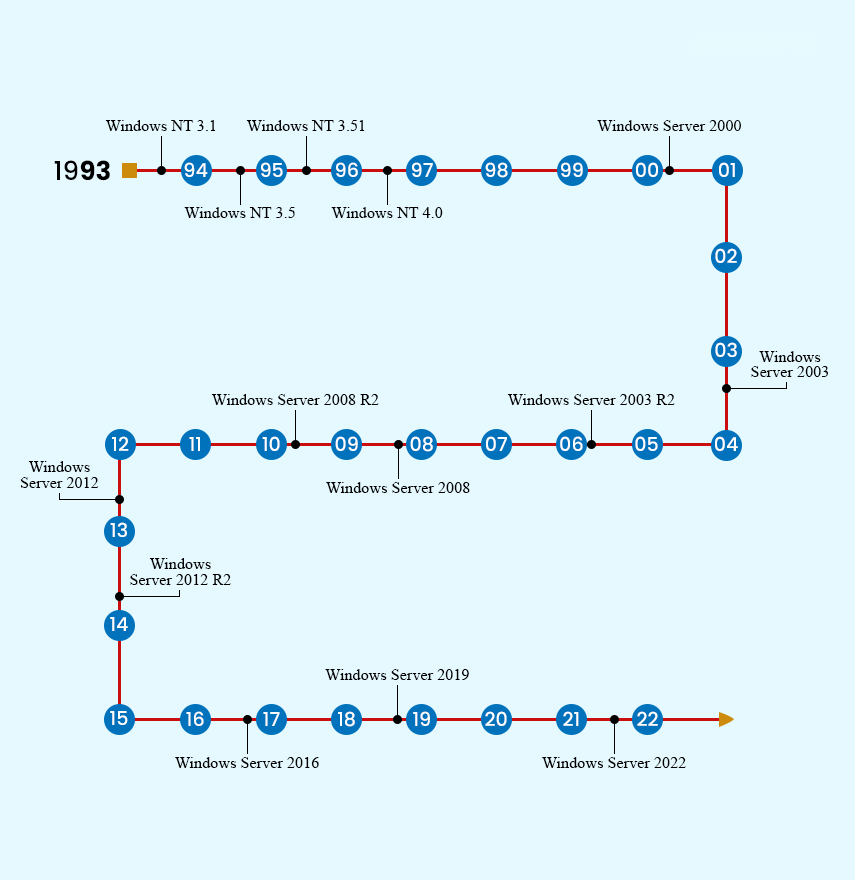
Windows Server 2025 Evaluation converts to the full Standard edition in place — no reinstall, and all roles, applications and data are preserved. Only the licensing state changes. You just need a valid Server 2025 Standard product key and ten minutes.
Before you start
- Administrator access to an elevated Command Prompt or PowerShell
- A genuine Windows Server 2025 Standard product key (get one at TechHub)
- Internet access for activation
- A backup/snapshot — the conversion is safe, but servers deserve caution
Step 1 — Confirm you're on an Evaluation edition
DISM /online /Get-CurrentEdition
The output should show ServerStandardEval (or ServerDatacenterEval).
Step 2 — Check available target editions
DISM /online /Get-TargetEditions
Confirm ServerStandard appears in the list before proceeding.
Step 3 — Convert with your product key
DISM /online /Set-Edition:ServerStandard /ProductKey:XXXXX-XXXXX-XXXXX-XXXXX-XXXXX /AcceptEula
(For Datacenter keys use /Set-Edition:ServerDatacenter.) The command takes several minutes — let it reach 100%.
Step 4 — Restart
shutdown -r -t 0
The server may cycle through an upgrade phase during reboot — normal.
Step 5 — Verify and activate
DISM /online /Get-CurrentEdition   ← should now show ServerStandard
slmgr /xpr                          ← check activation status
slmgr /ato                          ← activate online
Once activation succeeds, the evaluation watermark disappears from the desktop.
Troubleshooting
- "Invalid product key" — typo, or the key is for a different Server version. Server 2025 needs a 2025-specific key.
- "Edition not valid as an upgrade target" — re-run
Get-TargetEditions; you may be on Datacenter Eval trying to go to Standard (not a valid path — Datacenter Eval converts to Datacenter). - Activation fails after conversion — install the key explicitly, then activate:
slmgr /ipk XXXXX-XXXXX-XXXXX-XXXXX-XXXXX
slmgr /ato
- No internet on the server — use phone activation: the TechHub Get CID tool generates your Confirmation ID in seconds.
- Evaluation already expired / shutting down hourly — the conversion still works; run it as soon as the server boots.
Need the key?
Genuine Windows Server 2025 Standard and Datacenter keys with instant delivery and free conversion support — browse at TechHub.