Cisco AnyConnect / Secure Client VPN එක Download කරලා Install කරන්නේ කොහොමද
ඔයාගේ organization එකේ network එකට secure ව connect වෙන්න Cisco ගේ VPN client එක set up කරන්න.
Overview
Cisco AnyConnect (දැන් "Cisco Secure Client") කියන්නේ company network එකකට connect වෙන්න තියෙන enterprise VPN client එකක්. මේ guide එකෙන් ඒක ලබා ගන්නේ, install කරන්නේ, සහ VPN gateway එකට connect වෙන්නේ කොහොමද කියලා පැහැදිලි කරනවා.
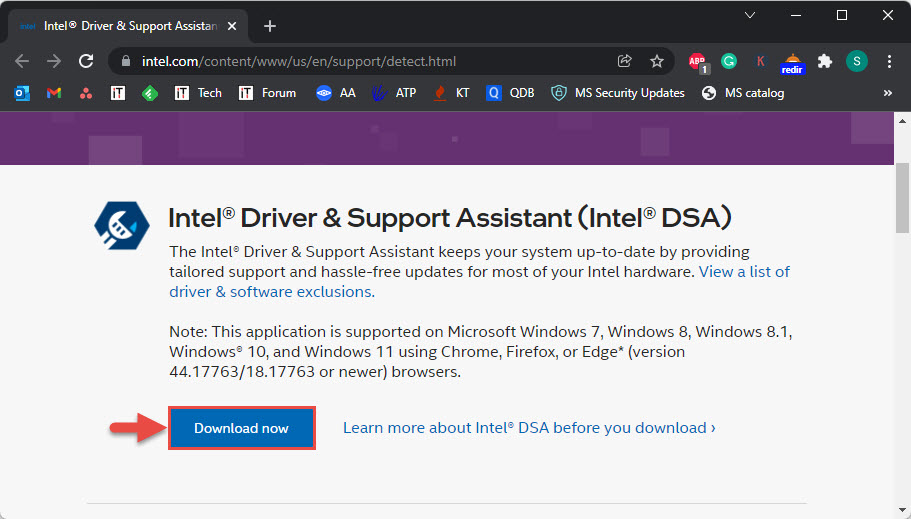
Cisco AnyConnect / Secure Client එක download කිරීම.
Note: AnyConnect/Secure Client කියන්නේ licensed enterprise software. ඒක download කරන්නේ ඔයාගේ organization එකේ VPN portal එකෙන් හෝ Cisco ගේ නිල site එකෙන් — third-party mirrors වලින් නෙවෙයි — සහ ඔයාගේ IT department එකෙන් දුන්නු credentials පාවිච්චි කරන්න.
Key Takeaways
- AnyConnect දැන් Cisco Secure Client කියලා කියනවා.
- සාමාන්යයෙන් ඔයාගේ org එකේ VPN web portal එකෙන් install වෙනවා.
- Windows, macOS, iOS, සහ Android වලට තියෙනවා.
- IT එකෙන් දුන්නු gateway address සහ credentials පාවිච්චි කරලා connect වෙන්න.
How to Get It
1. හොඳම විදිහ: ඔයාගේ organization එකේ VPN portal එකට (Cisco ASA/Firepower URL එකක්) log in වෙන්න — ඒක client එක automatically deploy කරනවා.
2. නැත්නම් Cisco ගේ නිල software site එකෙන් Cisco Secure Client එක download කරන්න (valid account/entitlement එකක් ඕන).
3. හරි OS package එක තෝරන්න.
Install (Windows)
1. Download කරපු installer එක run කරන්න (හෝ web portal එකට ඒක install කරන්න දෙන්න).
2. Prompts follow කරලා license එක accept කරන්න.
3. "Cisco Secure Client" launch කරන්න.
4. Prompt කරොත් reboot කරන්න.
Connect to the VPN
1. Client එක open කරලා ඔයාගේ organization එකේ VPN gateway address එක enter කරන්න.
2. Connect click කරන්න.
3. ඔයාගේ username/password (සහ ඕන නම් MFA) enter කරන්න.
4. connect වුනාම, ඔයා corporate network එකේ.
Troubleshooting
Problem: Connect වෙන්න බෑ.
Solution: gateway URL එකයි credentials එකයි IT එක්ක verify කරන්න, ඔයාගේ internet එක check කරන්න, MFA එක complete කරලා තියෙනවද කියලා බලන්න.
Problem: Certificate/trust errors.
Solution: VPN URL එක trusted sites වලට add කරන්න, ඔයාගේ device එක organization එකේ certificate එක trust කරනවද කියලා බලන්න (IT එකට help කරන්න පුළුවන්).
Problem: Client එක install වෙන්නේ නෑ.
Solution: administrator විදිහට run කරන්න, ඔයාගේ organization එක දෙන version එක පාවිච්චි කරන්න; entitlement එක Cisco වෙතින්ම ඕන.
Problem: මොන version එකද?
Solution: ඔයාගේ IT department එක support කරන version එක පාවිච්චි කරන්න; Cisco Secure Client එක පරණ AnyConnect builds වලට වඩා අලුත්.
Conclusion
Cisco AnyConnect (Secure Client) එක හොඳම විදිහට ලබා ගන්නේ ඔයාගේ organization එකේ VPN portal එකෙන්, ඒක හරි version එක automatically deploy කරනවා. ඒක install කරලා, gateway එකයි IT එකෙන් දුන්නු credentials එකයි enter කරලා, ඔයා corporate network එකට secure ව connect වෙනවා.