Overview
DPC_WATCHDOG_VIOLATION is a blue-screen error usually caused by outdated drivers (often the storage controller), incompatible hardware, or corrupt system files. This guide works through the fixes from simplest to most thorough.
Fixing the DPC Watchdog Violation BSoD.
Key Takeaways
- Often caused by an outdated SSD/SATA (storage) driver.
- Update drivers and switch to the standard AHCI controller.
- Disconnect faulty peripherals to isolate the cause.
- SFC/DISM and CHKDSK fix underlying corruption.
Fix 1: Disconnect External Peripherals
1. Unplug non-essential USB/external devices.
2. Restart and see if the crash stops.
3. Reconnect devices one at a time to find the culprit.
Fix 2: Update the Storage Controller Driver
1. Open Device Manager > IDE ATA/ATAPI controllers.
2. Right-click "SATA AHCI Controller" > Update driver.
3. Choose "Browse my computer" > "Let me pick" > "Standard SATA AHCI Controller".
4. Restart — this Microsoft driver resolves many DPC watchdog crashes.
Fix 3: Update Other Drivers and Windows
1. Install all Windows updates.
2. Update GPU, chipset, and firmware/SSD drivers from official vendor sites.
3. Restart and monitor.
Fix 4: Repair Disk and System Files
1. Run chkdsk /f /r C: (schedule on reboot if needed).
2. Run sfc /scannow.
3. Run DISM /Online /Cleanup-Image /RestoreHealth.
4. Restart.
Fix 5: Investigate and Recover
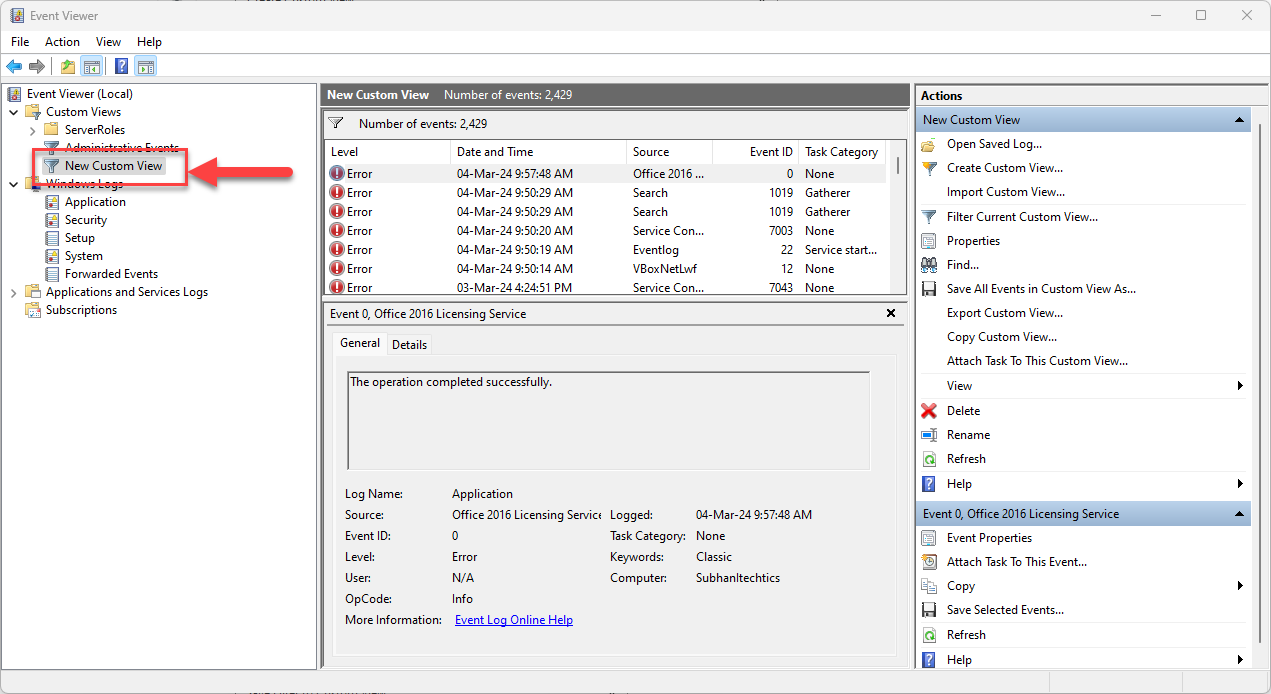
1. Check Event Viewer for the failing driver/component around the crash time.
2. Uninstall recently installed apps that coincide with the crashes.
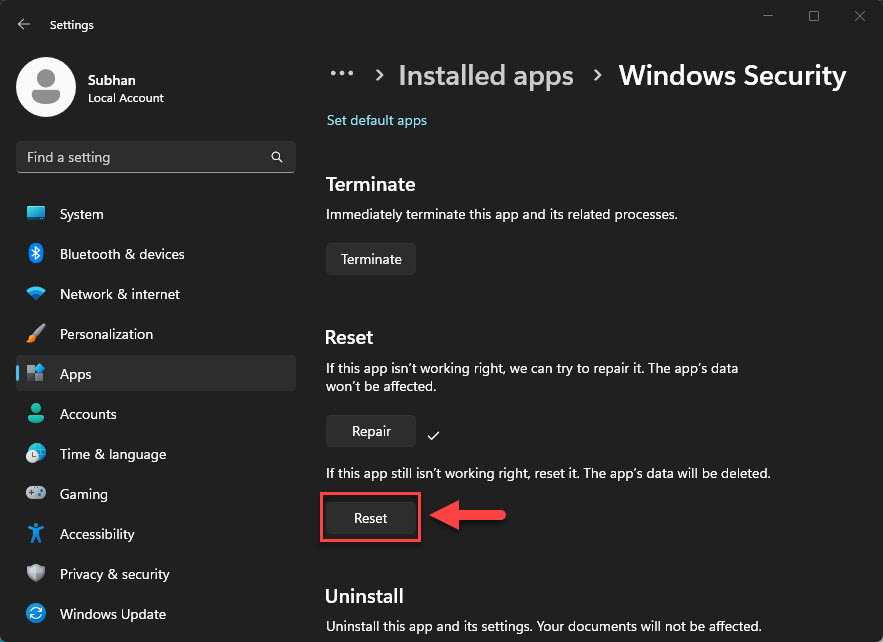
3. Use System Restore to a point before the issue, or reset Windows as a last resort.
Troubleshooting
Problem: Crash persists after driver update.
Solution: Switch to the Standard SATA AHCI Controller driver; third-party storage drivers are a frequent cause.
Problem: Random crashes, no pattern.
Solution: Check Event Viewer and update SSD firmware; run memory and disk diagnostics.
Problem: Started after new hardware.
Solution: Remove or update that device’s driver — incompatible hardware often triggers this BSoD.
Problem: Nothing works.
Solution: Back up data, then use System Restore or reset Windows keeping files.
Conclusion
DPC Watchdog Violation is most often a storage-driver issue. Switching to the Standard SATA AHCI Controller and updating drivers/firmware resolves the majority of cases; back that up with CHKDSK, SFC/DISM, and Event Viewer analysis for stubborn crashes.
</w:pBdr><w:spacing w:before="220" w:after="40"/></w:pPr><w:r><w:rPr><w:b/><w:bCs/><w:color w:val="0B5394"/><w:sz w:val="21"/><w:szCs w:val="21"/><w:rFonts w:ascii="Calibri" w:cs="Calibri" w:eastAsia="Calibri" w:hAnsi="Calibri"/></w:rPr><w:t xml:space="preserve">About TechHub
This guide is part of the TechHub Knowledge Base. For more step-by-step IT guides and support, visit techhub.com.lk.