Overview
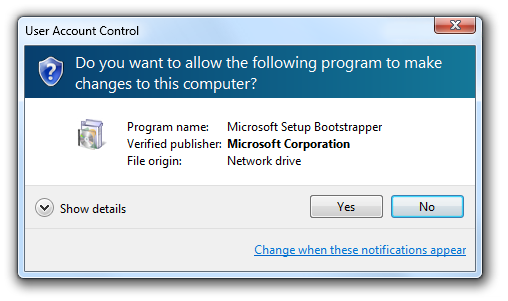
Default විදිහට, Windows UAC remote restrictions apply කරනවා — ඒ නිසා network එක හරහා connect වෙන local administrator කෙනෙකුට ලැබෙන්නේ standard-user token එකක් විතරයි. මේකෙන් remote management වලට "access denied" ඇති කරන්න පුළුවන්. LocalAccountTokenFilterPolicy set කරන එකෙන් ඒ restriction එක remove කරනවා — ඒත් ඒක security weaken කරනවා. මේ guide එකෙන් කවදද කොහොමද කියලා පැහැදිලි කරනවා.
UAC remote restrictions වලින් remote administrative access block කරන්න පුළුවන්.
Warning: UAC remote restrictions disable කරන එකෙන් local admin accounts වලට network එක හරහා full rights එක්ක act කරන්න දෙනවා, attack surface එක වැඩි කරනවා. මේක කරන්නේ trusted, well-secured networks වල විතරයි, පුළුවන් තැන domain accounts prefer කරන්න.
Key Takeaways
- UAC remote restrictions වලින් remote local admins ලාට filtered (standard) token එකක් විතරයි දෙනවා.
- LocalAccountTokenFilterPolicy = 1 එකෙන් ඒ restriction එක remove කරනවා.
- remote WMI, admin shares, සහ registry වගේ tasks වලට remote "access denied" fix කරනවා.
- ඒක security අඩු කරනවා — cautiously පාවිච්චි කරලා ඉවර වුණාම revert කරන්න.
LocalAccountTokenFilterPolicy කියන්නේ මොකක්ද?
ඒක network එක හරහා local accounts වලට UAC token filtering control කරන registry value එකක්. 1 කරාම, local administrator accounts remotely filtered එකක් වෙනුවට full administrator token එකක් receive කරනවා.
කවදද Remote Restrictions Disable කරන්නේ
- Remote administrative shares (C$, ADMIN$) access denied return කරනවා.
- Remote WMI, registry, හෝ management tools insufficient privileges වලින් fail වෙනවා.
- Local admin accounts එක්ක workgroup (non-domain) PCs manage කරනවා.
Method 1 — Registry Editor
Warning: මුලින් registry එක backup කරන්න.
1. Registry Editor open කරලා HKEY_LOCAL_MACHINE\SOFTWARE\Microsoft\Windows\CurrentVersion\Policies\System වලට යන්න.
2. LocalAccountTokenFilterPolicy කියන DWORD (32-bit) value එකක් හදන්න.
3. UAC remote restrictions disable කරන්න 1 කරන්න (restore කරන්න 0 හෝ delete).
4. PC එක restart කරන්න.
Method 2 — Command Line
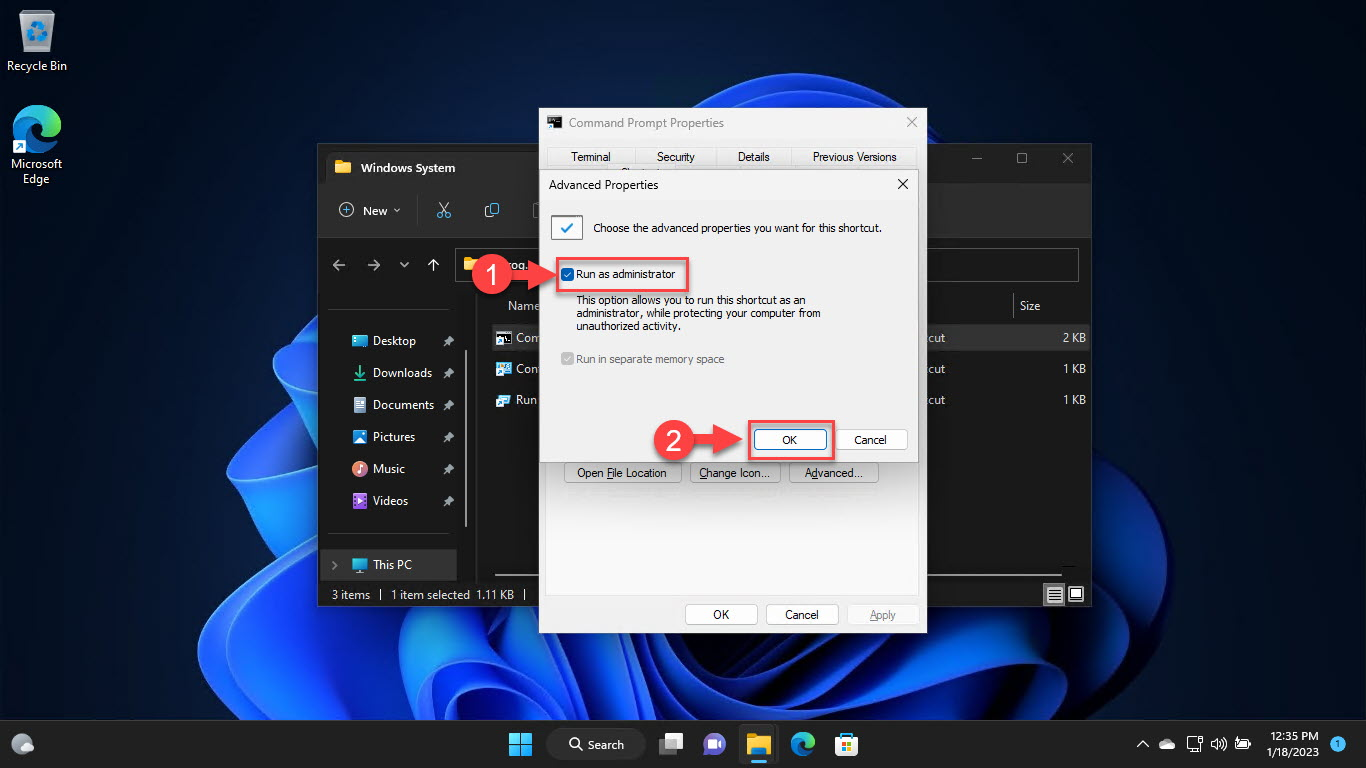
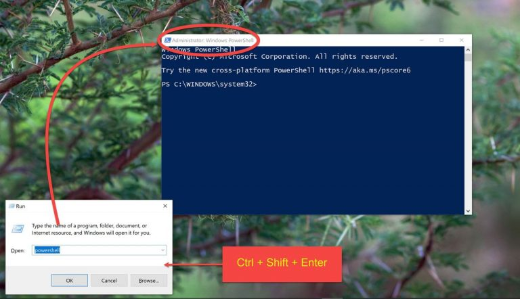
1. Command Prompt එක administrator විදිහට open කරන්න.
2. Run: reg add HKLM\SOFTWARE\Microsoft\Windows\CurrentVersion\Policies\System /v LocalAccountTokenFilterPolicy /t REG_DWORD /d 1 /f
3. Apply කරන්න restart කරන්න. Revert කරන්න, /d 0 කරන්න (හෝ value එක delete කරන්න).
Method 3 — Group Policy / Registry Deployment
1. PCs කිහිපයකට, එම registry value එක Group Policy Preferences හරහා deploy කරන්න.
2. ඇත්තටම remote local-admin access ඕන machines වලට විතරයි target කරන්න.
3. Revert කරන්න පුළුවන් වෙන්න change එක document කරන්න.
Troubleshooting
Problem: Set කළාට පස්සෙත් access denied.
Solution: PC එක restart කරලා, value එක හරි key එක යටතේ 1 කරපු DWORD එකක් කියලා බලලා, firewall එක remote service එක allow කරනවා කියලා බලන්න.
Problem: Security ගැන කරදරයි.
Solution: Domain accounts (මේ filter එකට බලපාන්නේ නැති) prefer කරලා, ඉවර වුණාම LocalAccountTokenFilterPolicy එක 0 වලට revert කරන්න.
Problem: Machines ගොඩකට ඕන.
Solution: Require කරන systems වලට විතරයි scope කරලා Group Policy Preferences හරහා deploy කරන්න.
Problem: Remote tools තවම fail වෙනවා.
Solution: අදාළ services (WMI, Remote Registry, File and Printer Sharing) සහ firewall rules target එකේ enabled කියලා බලන්න.
Conclusion
LocalAccountTokenFilterPolicy එකෙන් local admins ලාට UAC remote restrictions remove කරලා, remote "access denied" issues fix කරනවා. ඒක security අඩු කරන නිසා, ඕන trusted machines වලට විතරයි apply කරලා, domain accounts prefer කරලා, තවදුරටත් ඕන නැති වුණාම revert කරන්න.
About TechHub
මේ guide එක TechHub Knowledge Base එකේ කොටසක්. තව step-by-step IT guides සහ support වලට techhub.com.lk එකට යන්න.