Overview
Windows එකේ Microsoft Management Console (MMC) framework එක උඩ හදපු බලවත් management consoles කට්ටලයක් තියෙනවා. හැම snap-in එකක්ම devices වල ඉඳන් services, users දක්වා නිශ්චිත administrative area එකක් handle කරනවා. ඒවා දැනගැනීම troubleshooting සහ configuration වේගවත් කරනවා. මේ guide එකෙන් ප්රයෝජනවත්ම ඒවා හඳුන්වා දෙනවා.
Key Takeaways
- Management consoles Run එකෙන් කෙටි .msc commands වලින් launch වෙනවා.
- හැම console එකක්ම devices, disks, හෝ services වගේ එක area එකක් මත focus කරනවා.
- Changes කරන්න බොහෝ ඒවාට administrator rights ඕන.
- mmc එකෙන් snap-ins කිහිපයක් combine කරලා custom console එකක් හදන්න පුළුවන්.
Essential Consoles
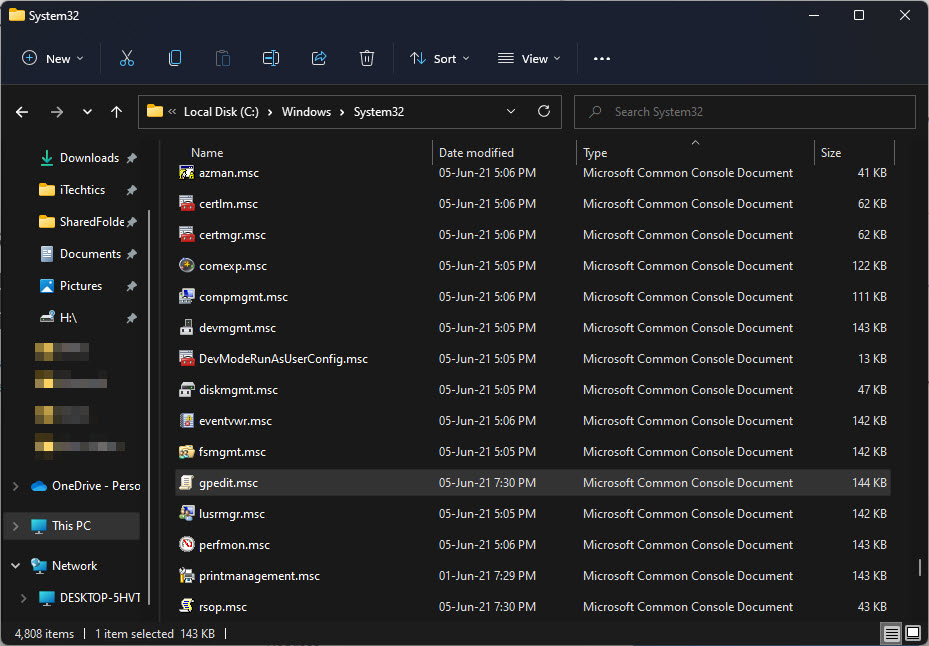
- devmgmt.msc — hardware සහ drivers වලට Device Manager.
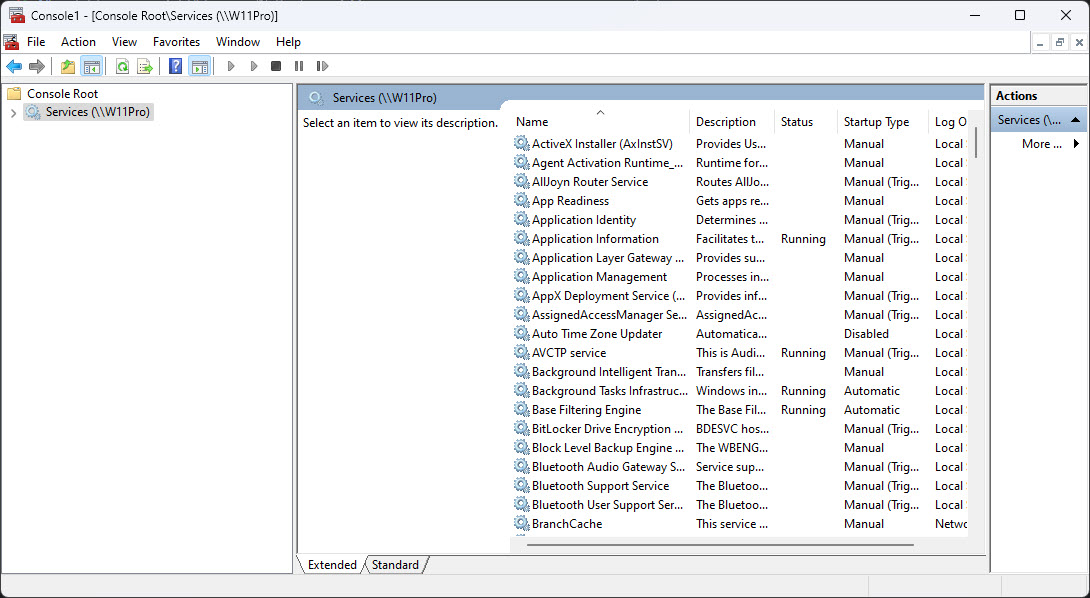
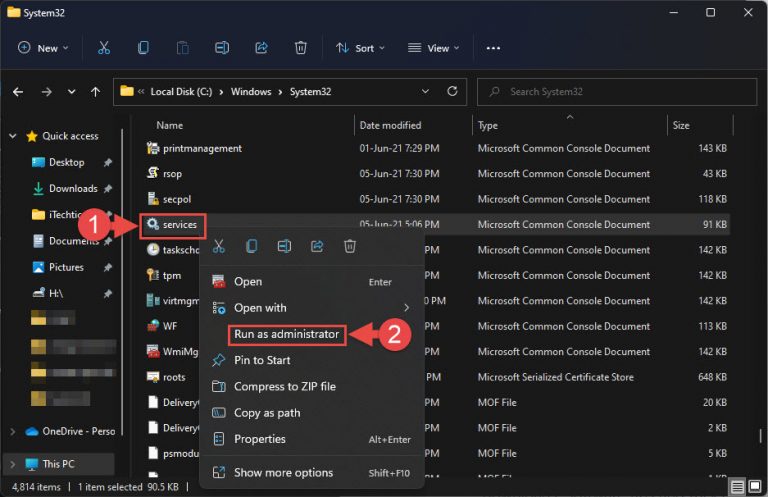
- services.msc — background service control එකට Services.
- diskmgmt.msc — partitions සහ volumes වලට Disk Management.
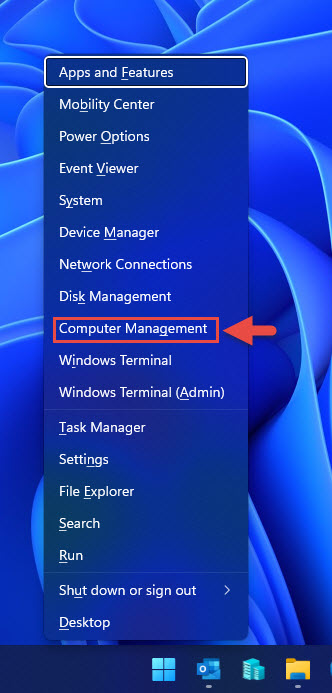
- compmgmt.msc — Computer Management, tools කිහිපයක් එකට bundle කරන එක.
- gpedit.msc — system policies වලට Group Policy Editor (Pro සහ Enterprise).
Build a Custom Console
1. Windows + R press කරලා, mmc කියලා type කරලා, Enter press කරන්න.
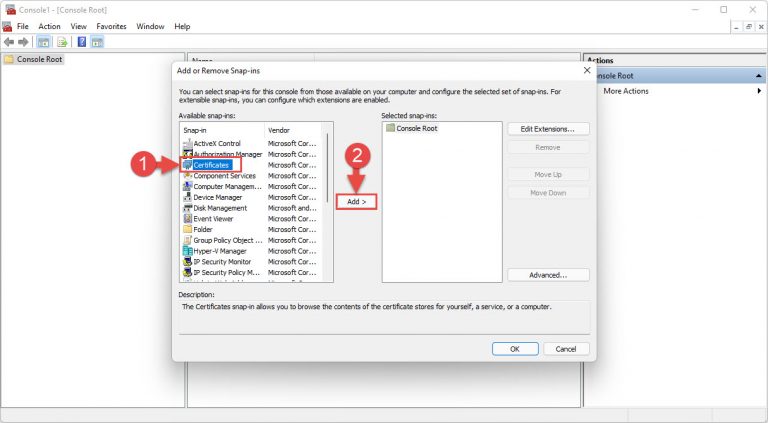
2. File > Add/Remove Snap-in තෝරන්න.
3. ඔයා වැඩිපුරම පාවිච්චි කරන snap-ins තෝරලා add කරන්න.
4. ඉක්මනට ආයෙ පාවිච්චි කරන්න console එක .msc file එකක් විදිහට save කරන්න.
Tip: ඔයාගෙ favorite snap-ins එක්ක save කරපු custom console එකක් ඔයාට ඕන හැම tool එකක්ම double-click එකකින් ළඟට ගේනවා.
Troubleshooting
Problem: Console command එකක් recognize වෙන්නෙ නෑ.
Solution: හරියටම .msc name එක confirm කරන්න; gpedit.msc වගේ සමහර consoles Windows Home එකේ available නෑ.
Problem: Console එකක changes කරන්න බෑ.
Solution: ඒක administrator rights එක්ක ආයෙ open කරන්න, මොකද බොහෝ snap-ins වල settings modify කරන්න elevation ඕන.
Problem: Snap-in එකක් load වෙන්නෙ නෑ.
Solution: අදාළ Windows feature එක හෝ role එක install කරලා තියෙනවද කියලා බලන්න, මොකද සමහර snap-ins optional components මත depend වෙනවා.
Problem: ඔයාගෙ custom console එක save වෙන්නෙ නෑ.
Solution: ඔයාගෙ account එකට write access තියෙන folder එකකට ඒක save කරන්න, ඔයාගෙ user profile එක වගේ.
Conclusion
Windows management consoles තමයි advanced administration වල කොඳු නාරටිය. Key .msc commands ඉගෙනගෙන, වේගවත්ව සහ විශ්වාසයෙන් වැඩ කරන්න custom console එකක් හදාගන්න.
About TechHub
මේ guide එක TechHub Knowledge Base එකේ කොටසක්. තව step-by-step IT guides සහ support වලට techhub.com.lk එකට යන්න.