Overview
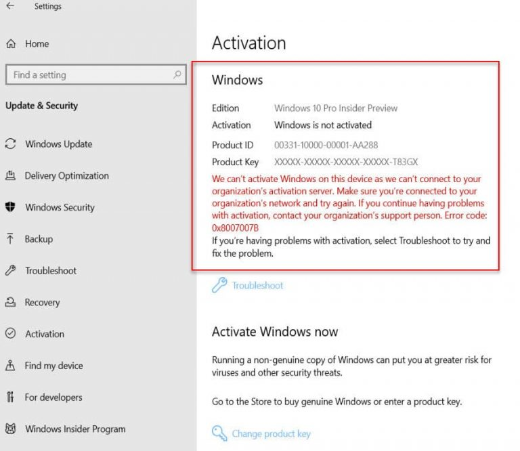
A Windows Product ID and a Product Key sound similar but are different. The Product Key activates Windows; the Product ID identifies your installation for support. This guide explains each, how they differ, and how to find them on your PC.
The Product ID and Product Key serve different purposes in Windows.
Key Takeaways
- The Product Key (25 characters) is used to activate Windows.
- The Product ID identifies your installation and is used for support.
- You can find the Product ID in Settings > System > About.
- OEM keys can often be read from firmware with a single command.
What Is the Windows Product ID?
The Product ID is a number that identifies your specific Windows installation. It is generated during installation/activation and is mainly used when contacting Microsoft support. It does not activate Windows by itself.
How to Find the Product ID
1. Open Settings > System > About.
2. Scroll to the Windows specifications section.
3. Read the Product ID value there. (You can also see it in System Properties via sysdm.cpl.)
What Is the Windows Product Key?
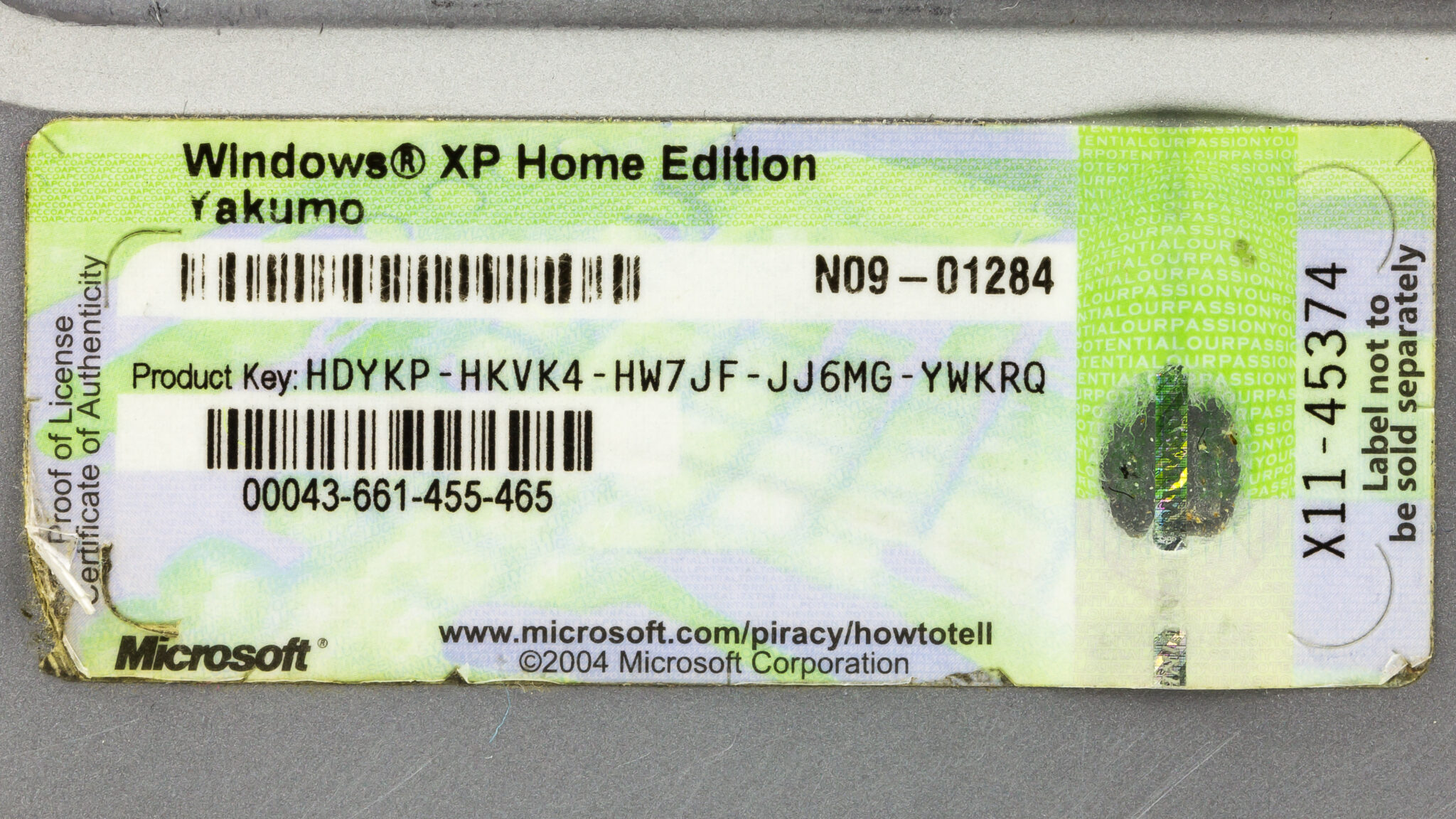
The Product Key is a 25-character code (five groups of five) used to activate your copy of Windows. On modern PCs it may be a digital licence tied to your hardware and Microsoft account rather than a code you type.
How to Find the Product Key
1. For an OEM/firmware key, open Command Prompt as administrator and run: wmic path softwarelicensingservice get OA3xOriginalProductKey
2. Or in PowerShell: (Get-WmiObject -query "select * from SoftwareLicensingService").OA3xOriginalProductKey
3. If it returns blank, your licence is digital (linked to your account/hardware) rather than a stored key.
Note: A digital licence has no readable 25-character key. Sign in with your Microsoft account so the licence reactivates automatically after a reinstall.
Product ID vs Product Key
- Product Key — activates Windows; 25 characters; keep it private.
- Product ID — identifies your installation; used for support; not used to activate.
- You need the Product Key (or a digital licence) to reinstall and activate; the Product ID is informational.
Frequently Asked Questions
Problem: Are the Product ID and Product Key the same?
Solution: No. The Product Key activates Windows; the Product ID identifies your install for support purposes.
Problem: Is a licence key the same as a product key?
Solution: In everyday use, yes — both refer to the 25-character activation code (or the digital licence equivalent).
Problem: The key command returns nothing.
Solution: Your PC uses a digital licence with no stored key. Link your Microsoft account so activation carries over.
Problem: I need my key to reinstall.
Solution: Use the OEM firmware key command, your purchase email/sticker, or rely on the digital licence by signing in with the same Microsoft account.
Conclusion
The Product Key activates Windows while the Product ID identifies your installation. Find the Product ID in Settings > About, and read an OEM key with a single command — or rely on your digital licence if no key is stored.
</w:pBdr><w:spacing w:before="220" w:after="40"/></w:pPr><w:r><w:rPr><w:b/><w:bCs/><w:color w:val="0B5394"/><w:sz w:val="21"/><w:szCs w:val="21"/><w:rFonts w:ascii="Calibri" w:cs="Calibri" w:eastAsia="Calibri" w:hAnsi="Calibri"/></w:rPr><w:t xml:space="preserve">About TechHub
This guide is part of the TechHub Knowledge Base. For more step-by-step IT guides and support, visit techhub.com.lk.