Overview
A good terminal emulator makes command-line work faster and more pleasant with tabs, themes, and multi-shell support. This guide reviews seven of the best terminal emulators for Windows and who each suits.
The best terminal emulators for Windows.
Key Takeaways
- Windows Terminal is the modern, built-in default for most users.
- Cmder and ConEmu add rich customization.
- Hyper is a hackable, web-tech terminal.
- PuTTY and Xshell/ZOC focus on SSH/serial connections.
1. Windows Terminal
Microsoft’s free, open-source terminal with tabs, panes, GPU-accelerated text, and profiles for PowerShell, CMD, and WSL. The best default for most Windows users.
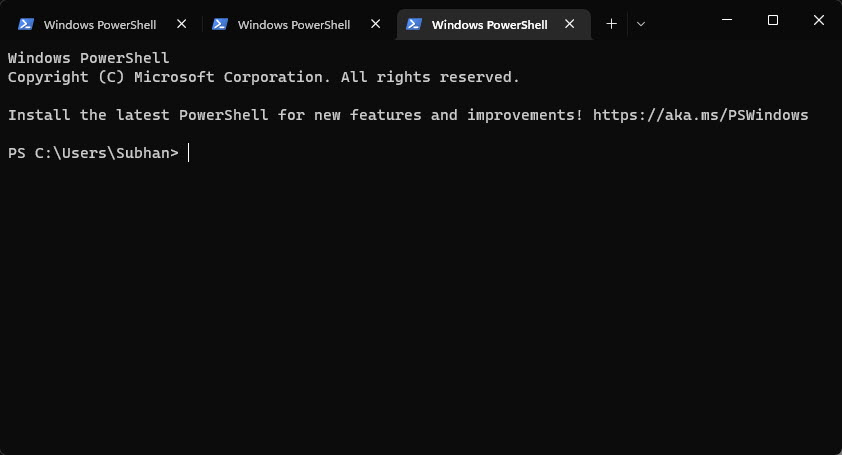
Windows Terminal.
2. Cmder
A portable console built on ConEmu with a polished look, Git integration, and Unix-like commands out of the box.
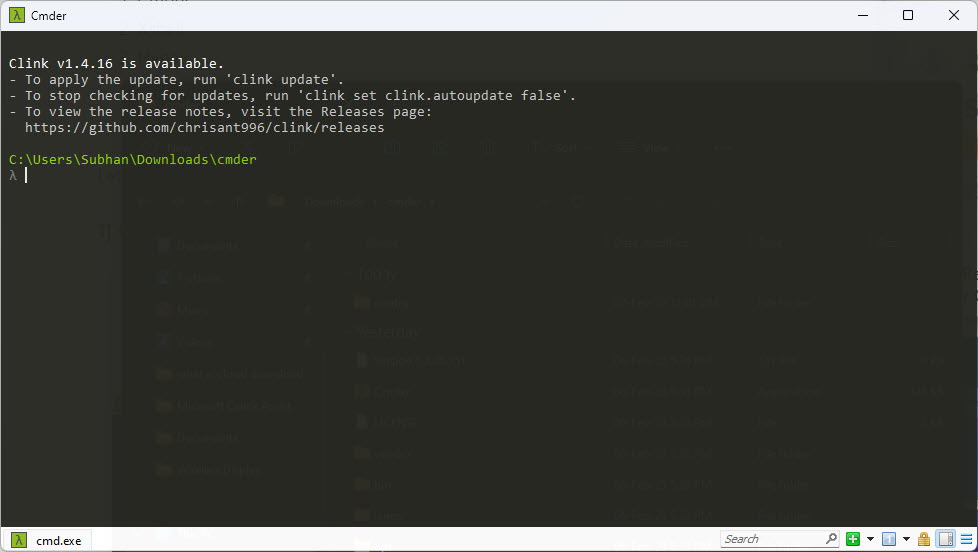
Cmder.
3. ZOC Terminal
A powerful commercial emulator for SSH, Telnet, and serial with scripting and strong host-connection features.
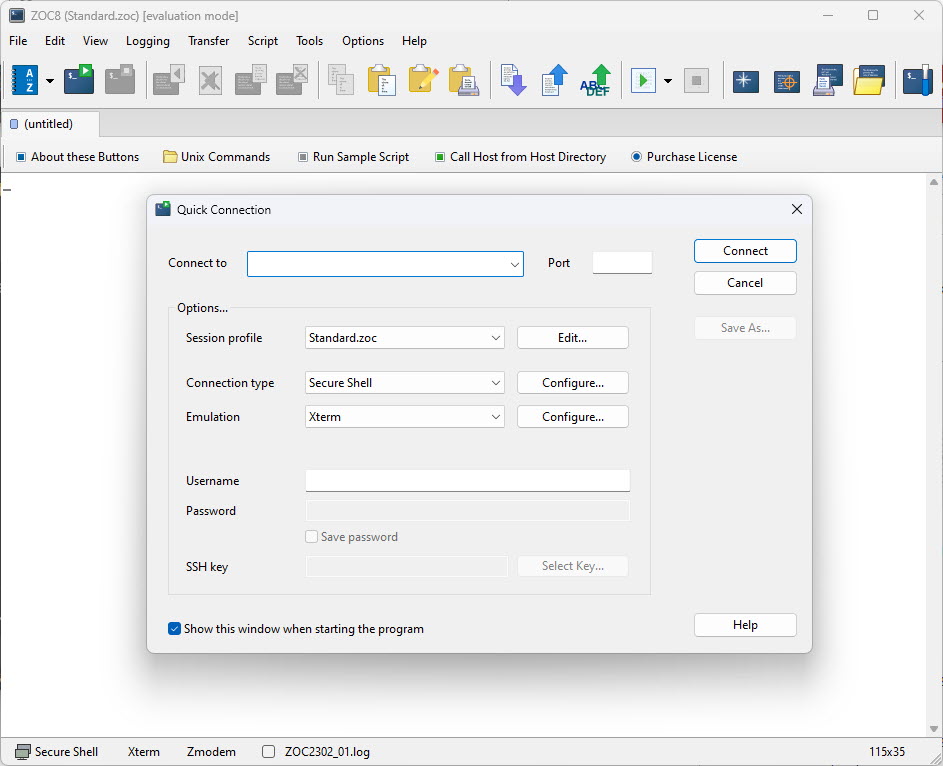
ZOC Terminal.
4. Xshell
A feature-rich SSH/serial client (free for home use) with tabbed sessions and a session manager.
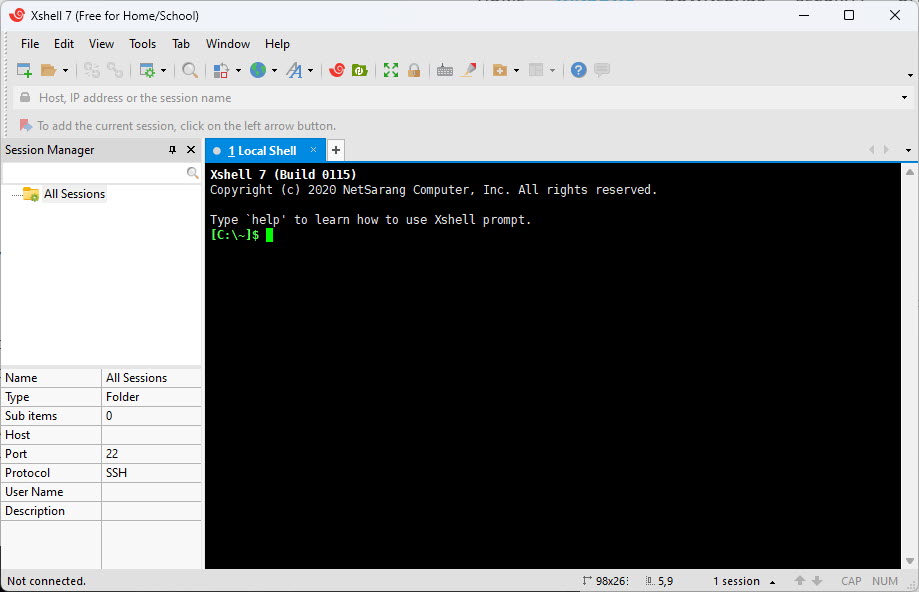
Xshell.
5. ConEmu
A highly configurable terminal host that can run multiple consoles in tabs; the engine behind Cmder.
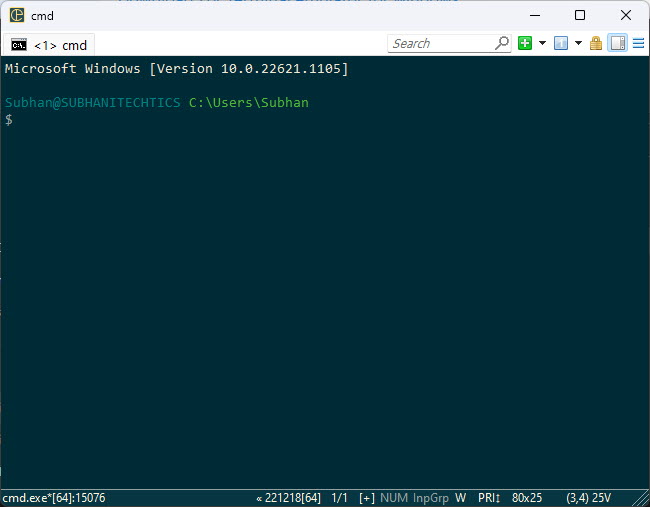
ConEmu.
6. Hyper
An open-source, cross-platform terminal built on web technologies, extensible via plugins and themes.
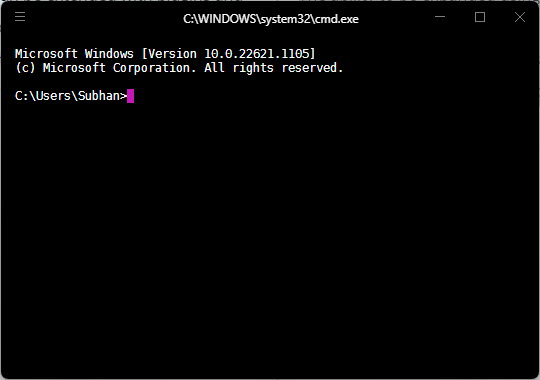
Hyper.
7. PuTTY
The classic, lightweight, free SSH/Telnet/serial client — a go-to for quick remote connections.
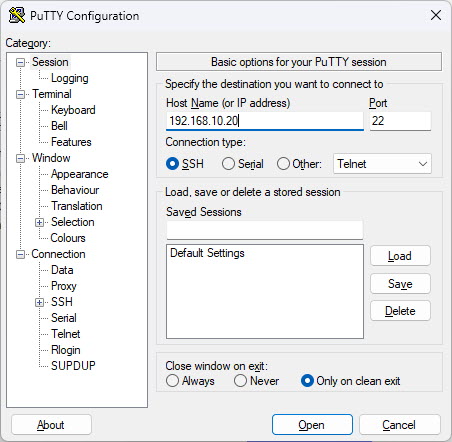
PuTTY.
Note: Download each terminal only from its official website or trusted repository to avoid tampered installers.
Which to Choose
- Everyday use / WSL: Windows Terminal.
- Customization + Git: Cmder or ConEmu.
- SSH-focused: PuTTY, Xshell, or ZOC.
- Extensible/themable: Hyper.
Conclusion
For most people, the built-in Windows Terminal is the best starting point. If you need heavy customization choose Cmder/ConEmu, and for remote server work PuTTY, Xshell, or ZOC are excellent — pick the one that matches how you work.
</w:pBdr><w:spacing w:before="220" w:after="40"/></w:pPr><w:r><w:rPr><w:b/><w:bCs/><w:color w:val="0B5394"/><w:sz w:val="21"/><w:szCs w:val="21"/><w:rFonts w:ascii="Calibri" w:cs="Calibri" w:eastAsia="Calibri" w:hAnsi="Calibri"/></w:rPr><w:t xml:space="preserve">About TechHub
This guide is part of the TechHub Knowledge Base. For more step-by-step IT guides and support, visit techhub.com.lk.