Overview
හොඳ terminal emulator එකක් තිබුණාම command-line වැඩ තව වේගවත් වෙනවා, tabs, themes, සහ multi-shell support එක්ක සැපයි. මේ guide එකෙන් Windows සඳහා හොඳම terminal emulators හතක් සහ ඒ එකින් එක කාට හරියනවද කියලා review කරනවා.
Windows සඳහා හොඳම terminal emulators.
Key Takeaways
- Windows Terminal එක තමයි වැඩිදෙනෙකුට modern, built-in default එක.
- Cmder සහ ConEmu වලින් rich customization එකතු කරනවා.
- Hyper එක hackable, web-tech terminal එකක්.
- PuTTY සහ Xshell/ZOC, SSH/serial connections වලට focus කරනවා.
1. Windows Terminal
Microsoft එකේ free, open-source terminal එක — tabs, panes, GPU-accelerated text, සහ PowerShell, CMD, WSL වලට profiles එක්ක. Windows users වැඩිදෙනෙකුට හොඳම default එක.
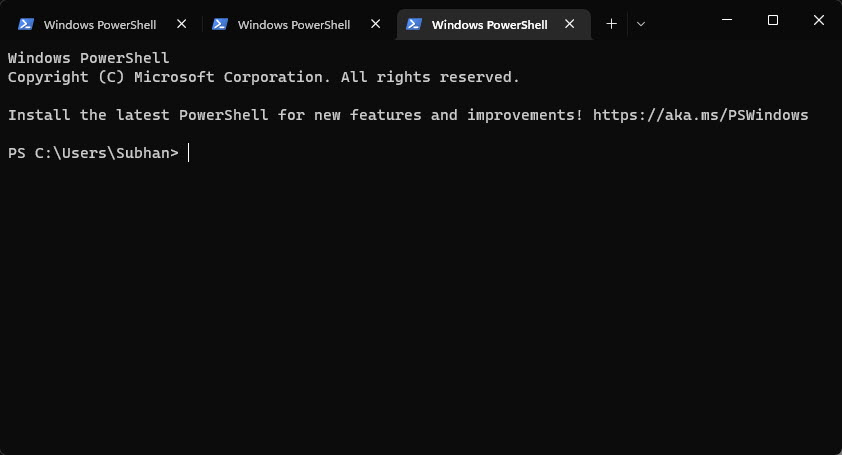
Windows Terminal.
2. Cmder
ConEmu මත හදපු portable console එකක් — ලස්සන look එකක්, Git integration එකක්, සහ Unix වගේ commands out of the box.
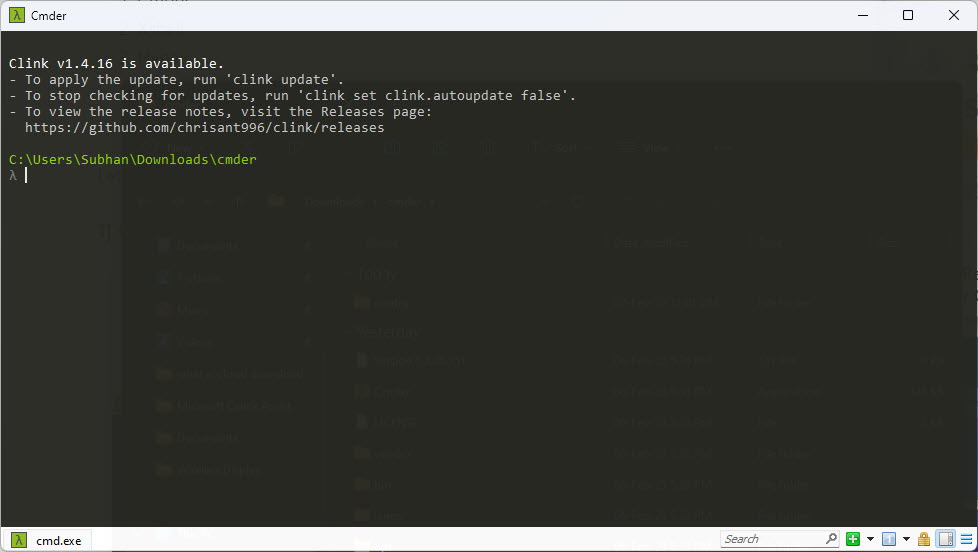
Cmder.
3. ZOC Terminal
SSH, Telnet, සහ serial වලට බලවත් commercial emulator එකක් — scripting සහ ශක්තිමත් host-connection features එක්ක.
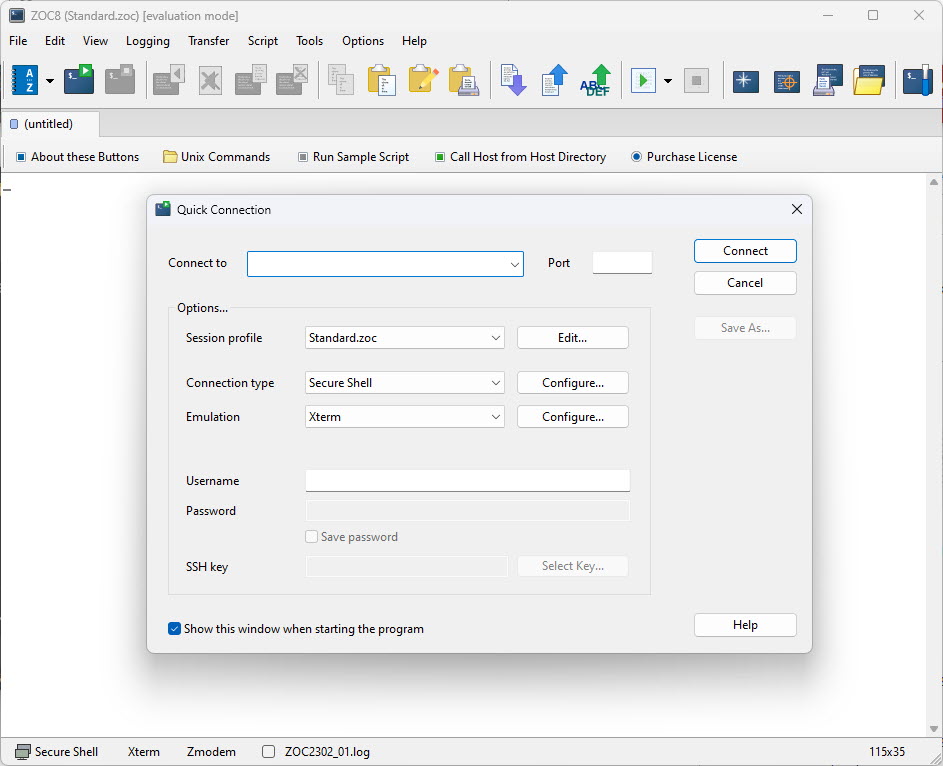
ZOC Terminal.
4. Xshell
Feature එකෙන් පොහොසත් SSH/serial client එකක් (home use වලට free) — tabbed sessions සහ session manager එකක් එක්ක.
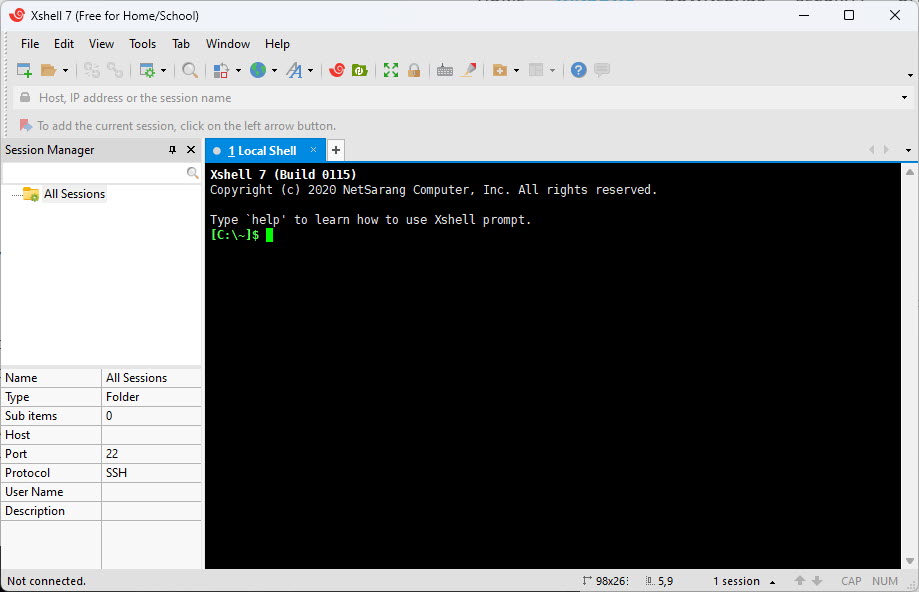
Xshell.
5. ConEmu
ගොඩක් configurable terminal host එකක් — consoles ගොඩක් tabs වල run කරන්න පුළුවන්; Cmder පිටිපස්සේ තියෙන engine එක.
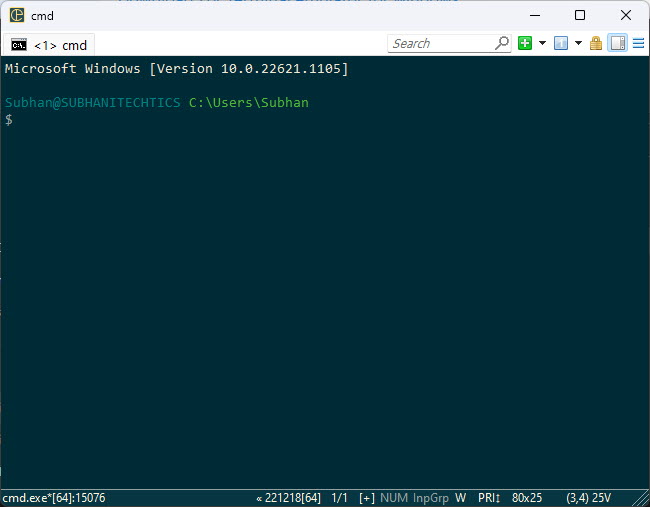
ConEmu.
6. Hyper
Web technologies මත හදපු open-source, cross-platform terminal එකක් — plugins සහ themes වලින් extend කරන්න පුළුවන්.
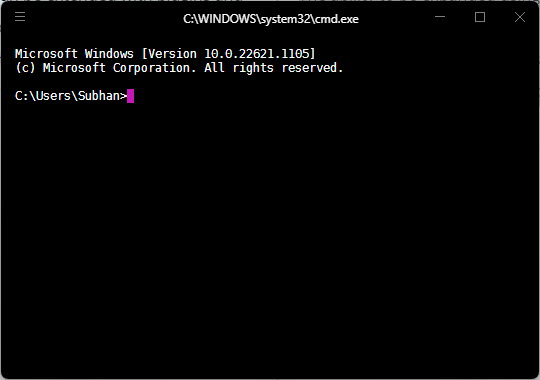
Hyper.
7. PuTTY
Classic, lightweight, free SSH/Telnet/serial client එක — ඉක්මන් remote connections වලට go-to එක.
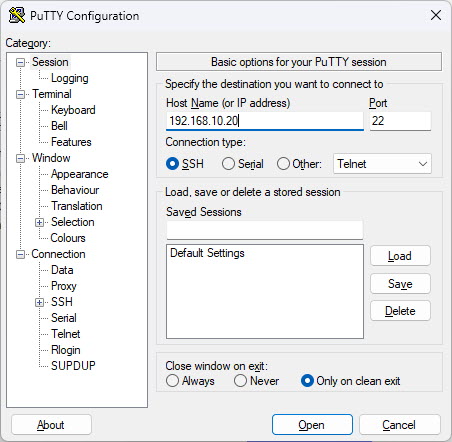
PuTTY.
Note: Tampered installers වළක්වගන්න, terminal එකක් download කරන්නේ ඒකේ official website එකෙන් නැත්නම් trusted repository එකකින් විතරයි.
Which to Choose
- Everyday use / WSL: Windows Terminal.
- Customization + Git: Cmder නැත්නම් ConEmu.
- SSH-focused: PuTTY, Xshell, නැත්නම් ZOC.
- Extensible/themable: Hyper.
Conclusion
වැඩිදෙනෙකුට, built-in Windows Terminal එක තමයි හොඳම පටන්ගැනීම. Heavy customization ඕන නම් Cmder/ConEmu තෝරන්න, remote server වැඩ වලට PuTTY, Xshell, නැත්නම් ZOC සුපිරියි — ඔයා වැඩ කරන විදිහට ගැළපෙන එක තෝරගන්න.
About TechHub
මේ guide එක TechHub Knowledge Base එකේ කොටසක්. තව step-by-step IT guides සහ support වලට techhub.com.lk එකට යන්න.