Overview
Windows එකෙන් file එකක් "open in another program" කියලා පෙන්නලා, ඔයාට ඒක edit කරන්න, move කරන්න හෝ delete කරන්න බැරි වුණාම, මොකක් හරි ඒ මත lock එකක් තියාගෙන ඉන්නවා. මේ guide එකෙන් file එක පාවිච්චි කරන process එක හරියටම හොයාගෙන ඒක release කරන්නේ කොහොමද කියලා පෙන්නනවා — Process Explorer, Resource Monitor, command line, හෝ dedicated tool එකක් පාවිච්චි කරලා.
File එක lock කරගෙන ඉන්න process එක හොයාගෙන release කරන්න, එතකොට ඔයාට ඒක වෙනස් කරන්න පුළුවන්.
Key Takeaways
- Locked file එකක් කියන්නේ run වෙන process එකකින් open කරගෙන තියෙන එකක්.
- Process Explorer එකේ Find Handle feature එකෙන් හරියටම process එක pinpoint කරනවා.
- Resource Monitor එකෙන් ඒකේ handle search එකෙන්ම process එක හොයාගෙන end කරන්න පුළුවන්.
- Lock එක release කරන්න owning process එක (හෝ handle එක) close කරන්න.
Method 1 — Sysinternals Process Explorer
1. Microsoft Sysinternals (official) එකෙන් Process Explorer download කරලා, administrator විදිහට run කරන්න.
2. Ctrl + F press කරන්න (Find > Find Handle or DLL).
3. File එකේ හෝ folder එකේ නමේ කොටසක් type කරලා Search click කරන්න.
4. owning process එක highlight කරන්න result එක තෝරන්න; handle එක right-click කරලා Close Handle තෝරන්න, නැත්නම් process එක end කරන්න.
Method 2 — Resource Monitor
1. Windows key + R press කරලා, resmon type කරලා, Enter press කරන්න.
2. CPU tab එක open කරලා Associated Handles expand කරන්න.
3. මොන process එකද ඒක තියාගෙන ඉන්නේ කියලා බලන්න search box එකේ file එකේ නම type කරන්න.
4. ඒ process එක right-click කරලා End Process තෝරලා lock එක release කරන්න.
Method 3 — Command Line
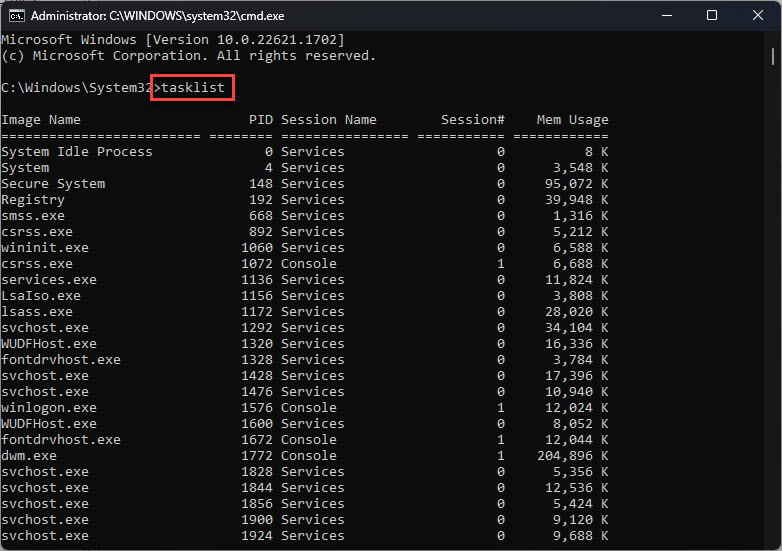
1. Handle tracking enable කරන්න: Command Prompt එක administrator විදිහට open කරලා openfiles /local on run කරන්න (ඊට පස්සේ එක වතාවක් restart කරන්න).
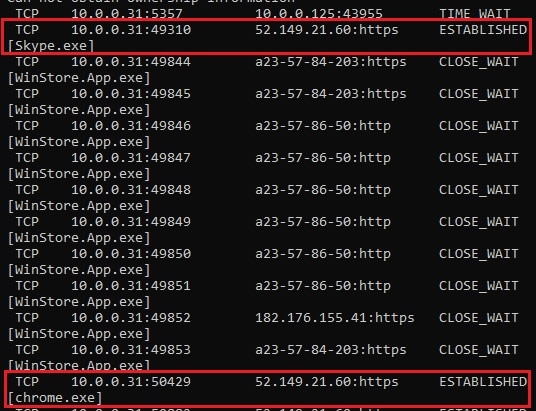
2. open files list කරන්න: openfiles /query
3. list එකේ ඔයාගේ file එක හොයාගෙන process එක සටහන් කරගෙන, taskkill වලින් ඒක end කරන්න.
4. නැත්නම්, Sysinternals "handle" command-line tool එක පාවිච්චි කරන්න: handle filename
Method 4 — Third-Party Tools
- LockHunter — file එකක් lock කරන්නේ මොකද්ද කියලා පෙන්නලා, ඒක unlock හෝ delete කරන්න පුළුවන්.
- මේ tools වලින් පහසුව සඳහා right-click "What is locking this file?" option එකක් එකතු කරනවා.
- Official sites වලින් download කරගත්ත විශ්වාසවන්ත tools පාවිච්චි කරන්න.
Warning: වැරදි process එකක් end කරාම ඒ app එකේ data loss වෙන්න පුළුවන්. මුලින්ම ඔයාගේ වැඩ වෙනත් තැනක save කරගන්න, ඒ වගේම critical system processes force-close කරන එකෙන් වළකින්න.
Troubleshooting
Problem: File එක system process එකකින් lock වෙලා.
Solution: ඒක Windows එකෙන් use කරන එකක් වෙන්න පුළුවන් (උදා: indexing හෝ antivirus). පස්සේ ආපහු try කරන්න, අදාළ feature එක තාවකාලිකව disable කරන්න, නැත්නම් Safe Mode එකේදී file එක delete කරන්න.
Problem: Handle එක close කරාට වැඩක් වුණේ නැහැ.
Solution: handle එක විතරක් නෙවෙයි owning process එකම end කරලා, ආපහු ඔයාගේ action එක try කරන්න.
Problem: openfiles වලින් මොකුත් පෙන්නන්නේ නැහැ.
Solution: Handle tracking default විදිහට off නිසා, මුලින්ම openfiles /local on වලින් ඒක enable කරලා restart කරන්න.
Problem: File එක කොහොමටවත් delete කරන්න බැහැ.
Solution: Safe Mode එකට boot කරලා (processes අඩුවෙන් run වෙනවා) එතනදී ඒක delete කරන්න, නැත්නම් LockHunter වගේ tool එකක් පාවිච්චි කරන්න.
Conclusion
File එකක් lock කරන්නේ මොකද්ද කියලා හරියටම හොයාගෙන ඒක release කරන එක Process Explorer සහ Resource Monitor වලින් පහසු කරනවා. process එක identify කරලා, handle එක close කරන්න හෝ app එක end කරන්න, එතකොට ඔයාගේ file එක edit, move, හෝ delete කරන්න free වෙනවා.
About TechHub
මේ guide එක TechHub Knowledge Base එකේ කොටසක්. තව step-by-step IT guides සහ support වලට techhub.com.lk එකට යන්න.