Overview
bootrec /fixboot run කරද්දී එන "Access is denied" එක සාමාන්යයෙන් වෙන්නේ EFI System Partition එක access කරන්න බැරි UEFI/GPT systems වල. මේ guide එකෙන් Recovery Environment එකෙන් එයට drive letter එකක් assign කරලා boot files repair කරන්නේ කොහොමද කියලා පෙන්නනවා.
Warning: මේ steps වලින් boot configuration එක modify කරනවා. System එක තාම boot වෙනවා නම් වැදගත් data මුලින්ම back up කරන්න, සහ Recovery Environment එකේ පරිස්සමෙන් ඉදිරියට යන්න.
Key Takeaways
- මේ error එක UEFI/GPT installs වල සුලභයි.
- EFI partition එකට drive letter එකක් assign කරලා එය access කරන්න.
- bcdboot එකෙන් EFI boot files rebuild කරන්න.
- Startup Repair සහ CHKDSK එකත් උදව් වෙනවා.
Boot into the Recovery Environment
1. Windows installation media එකෙන් boot කරන්න (හෝ WinRE trigger කරන්න).
2. Repair your computer > Troubleshoot > Advanced options > Command Prompt තෝරන්න.
Assign the EFI Partition and Repair Boot Files
1. Run කරන්න: diskpart
2. list disk / select disk 0 / list volume — EFI (FAT32, ~100–500MB) volume එක හඳුනාගන්න.
3. එය තෝරන්න: select volume <n>
4. Letter එකක් assign කරන්න: assign letter=V:
5. Exit කරන්න: exit
6. EFI එක format කරන්න (corrupt නම් විතරයි): format V: /FS:FAT32
7. Boot files rebuild කරන්න: bcdboot C:\Windows /s V: /f UEFI
8. නැවත try කරන්න: bootrec /fixboot (දැන් V: target කරමින්)
Additional Repairs
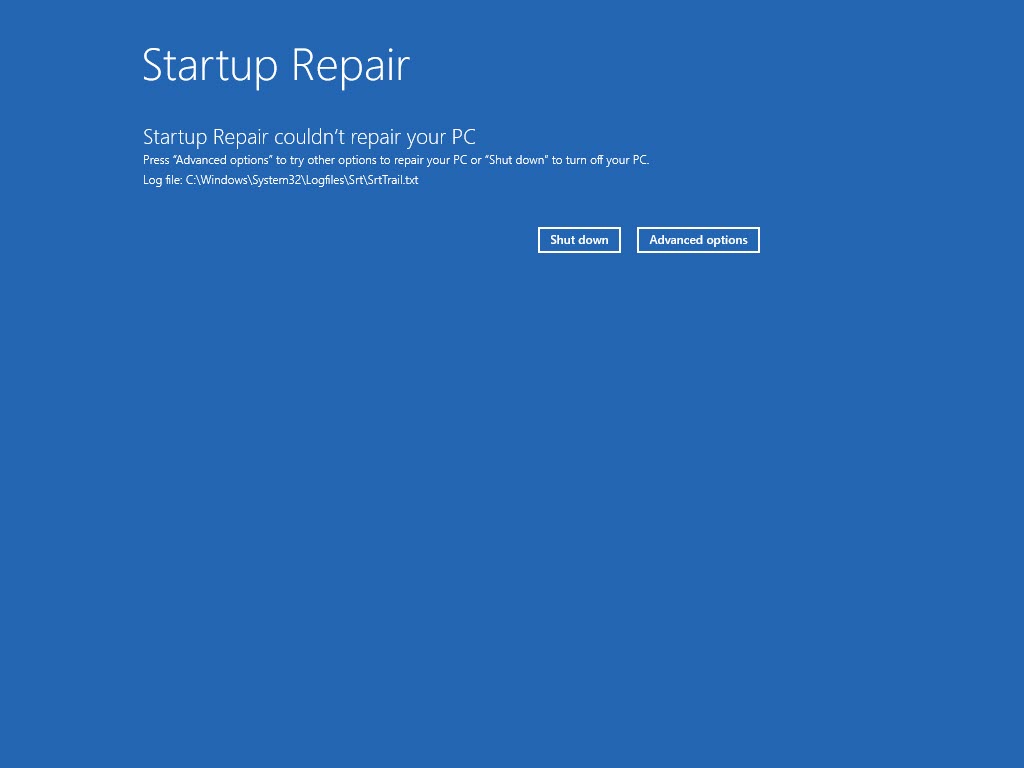
1. Advanced options එකෙන් Startup Repair run කරන්න.
2. Disk එක check කරන්න: chkdsk C: /f /r
3. BCD rebuild කරන්න: bootrec /scanos ඊට පස්සේ bootrec /rebuildbcd.
Troubleshooting
Problem: /fixboot තාමත් denied.
Solution: ඒ වෙනුවට assigned partition එකේ EFI files නැවත හදන්න bcdboot use කරන්න; GPT/UEFI වල bcdboot තමයි විශ්වාසවන්ත path එක.
Problem: EFI partition එකක් පේන්නේ නෑ.
Solution: Install එක Legacy/MBR වෙන්න පුළුවන් — ඒ වෙනුවට system partition එකේ bootrec /fixmbr සහ /fixboot use කරන්න.
Problem: bcdboot fail වෙනවා.
Solution: C: තමයි Windows volume එක සහ V: තමයි EFI partition එක කියලා confirm කරන්න; ඔබේ layout එකට ගැලපෙන්න letters adjust කරන්න.
Problem: Boot තාමත් fail වෙනවා.
Solution: chkdsk සහ Startup Repair run කරන්න; fail වෙන disk එකක් නිසා නැවත නැවත boot issues ඇති වෙන්න පුළුවන්.
Conclusion
UEFI systems වල එන "Access is denied" fixboot error එක විසඳන්නේ EFI partition එකට letter එකක් assign කරලා bcdboot එකෙන් එහි boot files rebuild කිරීමෙන්. Booting එක නැවත ලබාගන්න ඒත් එක්ක Startup Repair, CHKDSK, සහ BCD rebuild combine කරන්න.
About TechHub
මේ guide එක TechHub Knowledge Base එකේ කොටසක්. තව step-by-step IT guides සහ support වලට techhub.com.lk එකට යන්න.