10 Tools to Check Every Hardware Detail of Your Windows PC
Identify your CPU, GPU, RAM, motherboard, and more with these free system-info utilities.
Overview
Whether you’re upgrading, troubleshooting, or just curious, these tools reveal detailed hardware information about your PC — from CPU and GPU to RAM timings and sensor readings. This guide rounds up ten of the best.
Tools to check your PC’s hardware details.
Note: Download each tool only from its official website to avoid bundled or fake installers.
Key Takeaways
- These tools report CPU, GPU, RAM, board, and sensor data.
- CPU-Z, Speccy, and HWiNFO are the most popular.
- Some also show temperatures and voltages.
- All the picks are free (some for personal use).
The 10 Hardware-Info Tools
- CPU-Z — detailed CPU, motherboard, and RAM information.
- Speccy — clean overview of all components with temperatures.
- HWiNFO (32/64) — deep hardware details and live sensor monitoring.
- PC Wizard — hardware analysis and simple benchmarks.
- SiSoftware Sandra Lite — diagnostics and benchmarking suite.
- WinAudit — full software/hardware inventory report.
- BlackBox — quick system snapshot for support.
- Flitskikker Info Tool — lightweight hardware summary.
- Smart System Informer — component overview and reports.
- RWEverything — advanced low-level hardware/register access (for experts).
Which to Use
- Quick, friendly overview: Speccy.
- CPU/RAM/board specifics: CPU-Z.
- Sensors and deep detail: HWiNFO.
- Inventory/reporting: WinAudit.
- Low-level access: RWEverything (advanced users only).
Built-in Alternatives
- System Information (msinfo32) for a broad overview.
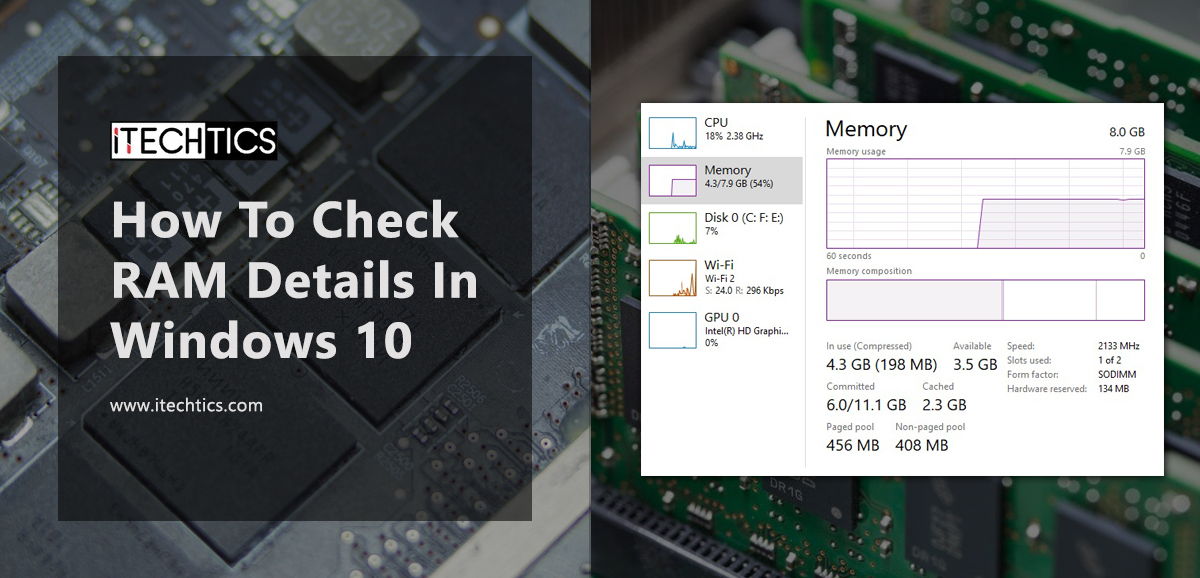
- Task Manager > Performance for live CPU/GPU/RAM.
- dxdiag for graphics/sound details.
Troubleshooting
Problem: Tool shows incomplete info.
Solution: Run it as administrator; some sensor/board data needs elevation.
Problem: No temperature readings.
Solution: Use HWiNFO or Speccy, which read hardware sensors where supported.
Problem: Antivirus flags a tool.
Solution: Low-level tools (e.g., RWEverything) are sometimes false-flagged — download from the official site and verify.
Problem: Just need a quick check.
Solution: Use built-in msinfo32 or Task Manager before installing anything.
Conclusion
From beginner-friendly Speccy to the detailed HWiNFO and CPU-Z, these free tools reveal every hardware detail of your PC. Pick one that matches your need — quick overview, deep sensors, or full inventory — and download only from official sources.