Overview
Steam කියන්නේ PC games මිලදී ගැනීම, download කිරීම සහ play කිරීම සඳහා Valve ගේ ජනප්රිය platform එකයි. මේ guide එකෙන් Windows, Mac, සහ Linux වල official Steam client එක download කරලා install කරන හැටිත්, එය remove කරන හැටිත් පෙන්නනවා.
Steam client එක download කිරීම.
Note: Fake හෝ bundled installers වළක්වා ගන්න Steam එක official store.steampowered.com website එකෙන් විතරක් download කරන්න.
Key Takeaways
- Steam free; ඔබ ගෙවන්නේ games වලට විතරයි.
- Client එක official Steam website එකෙන් download කරන්න.
- එය Windows, Mac, සහ Linux වලට තියෙනවා.
- Steam uninstall කරාම එයින් install කරපු games ත් remove වෙනවා.
Download Steam
1. Official site එකට යන්න: store.steampowered.com.
2. උඩම දකුණු පැත්තේ "Install Steam" click කරන්න.
3. ඔබේ OS එකට installer එක download කරන්න (Windows .exe, Mac .dmg, හෝ Linux package).
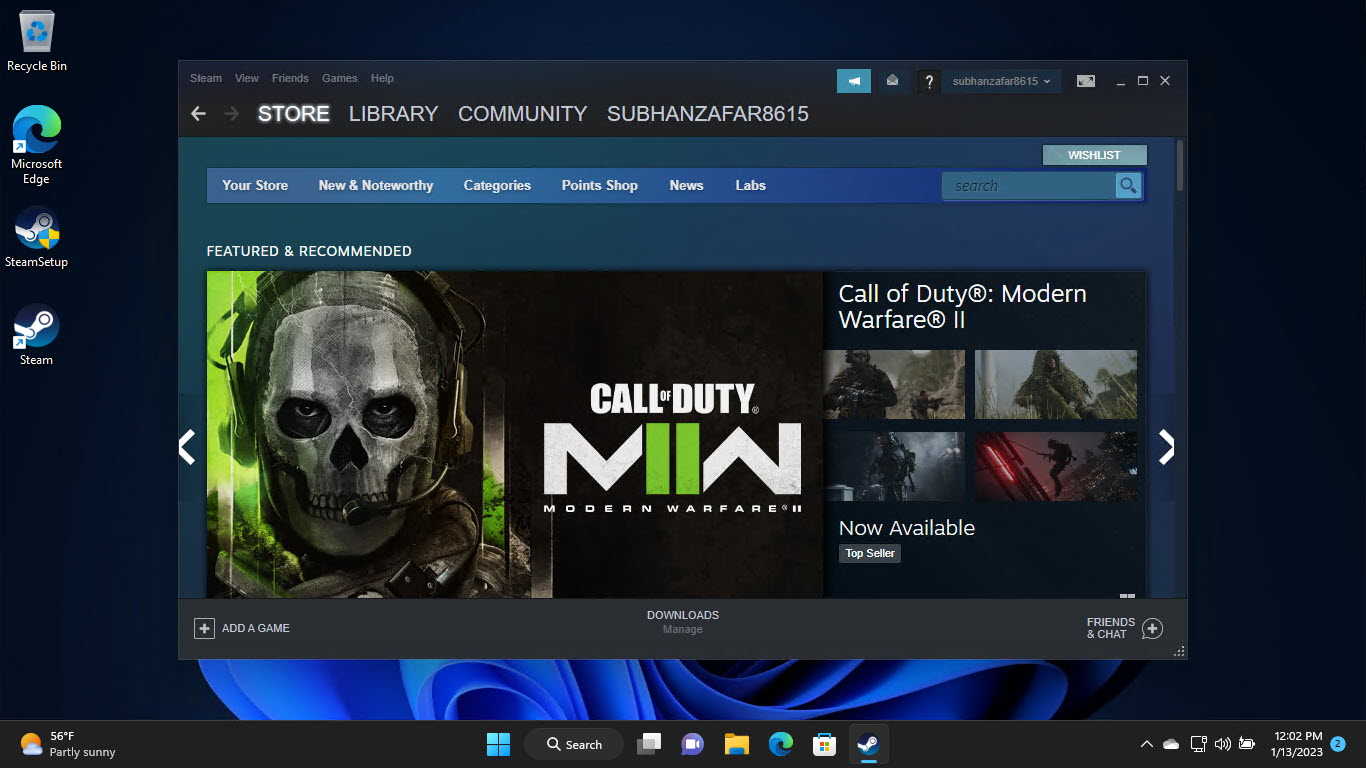
Steam එක්ක ඔබේ ගමන පටන් ගන්න.
Install on Windows
1. SteamSetup.exe run කරන්න.
2. Wizard එක follow කරලා install location එකක් තෝරන්න.
3. Steam launch කරලා, account එකක් create කරන්න හෝ sign in වෙන්න.
4. එය update වෙන්න දෙන්න, ඊට පස්සේ ඔබේ library එක හෝ store එක browse කරන්න.
Install on Mac and Linux
1. Mac: .dmg එක open කරලා Steam එක Applications වලට drag කරන්න.
2. Linux: download කරපු package එක install කරන්න (හෝ ඔබේ distro එකේ package manager එකෙන්).
3. Steam launch කරලා sign in වෙන්න.
Uninstall Steam
Warning: Steam uninstall කරාම එයින් install කරපු games සහ ඒවායේ local data delete වෙනවා. මුලින්ම save files back up කරන්න හෝ Steam Cloud use කරන්න.
1. Windows: Settings > Apps > Installed apps > Steam > Uninstall.
2. Mac: Steam එක Applications වලින් Trash එකට drag කරන්න.
3. Linux: ඔබේ package manager එකෙන් package එක remove කරන්න.
Troubleshooting
Problem: Installer එක run වෙන්නේ නෑ.
Solution: Official site එකෙන් නැවත download කරලා administrator විදිහට run කරන්න; ඔබේ antivirus එක block කරන්නේ නෑ කියලා check කරන්න.
Problem: Steam update වෙන්නේ නෑ.
Solution: ඔබේ connection එකයි firewall එකයි check කරන්න; Windows Defender Firewall එක හරහා Steam allow කරන්න.
Problem: Uninstall කරාට පස්සේ games නැති වුණා.
Solution: Uninstall කරාම games remove වෙනවා — Steam නැවත install කරලා ඒවා නැවත download කරන්න; cloud saves login කරාම restore වෙනවා.
Problem: Windows 11 එකේ install කරන්න පුළුවන්ද?
Solution: ඔව්, Steam Windows 11 සම්පූර්ණයෙන්ම support කරනවා — standard Windows installer එක use කරන්න.
Conclusion
Steam install කිරීම ඉක්මන්: official website එකෙන් client එක download කරලා, ඔබේ OS එකට installer එක run කරලා, sign in වෙන්න. Steam remove කරාම එයින් games ත් delete වෙන බව මතක තියාගෙන, uninstall කරන්න කලින් saves back up කරන්න හෝ Steam Cloud එක මත rely වෙන්න.
About TechHub
මේ guide එක TechHub Knowledge Base එකේ කොටසක්. තව step-by-step IT guides සහ support වලට techhub.com.lk එකට යන්න.